
Steam Offline Mode: How to Play Without Internet
Steam Offline Mode has to be set up while you still have internet. Log in with Remember me ticked, update the game, start it once, then choose Go Offline from the Steam menu. Skip a step and Steam asks for a login it cannot reach, and Valve's own support page says there is no way around that. Here is the setup, what each step protects against, and what stops working once you are offline.
Takeaways Steam Offline Mode, prepared online
- 1 Log in with Remember me The box on the login window. Without stored credentials, Steam asks for a login it cannot reach.
- 2 Update, then start each game once Most games need one launch on the network before they run offline. Pending updates block them.
- 3 Keep credentials on this PC Settings, Security: the option not to save account credentials must stay off.
- 4 Steam menu, Go Offline Then close Steam properly before shutting down. A force quit can lose the data offline mode needs.
Five steps, all of them online
Valve’s Offline Mode article lists the setup in order, and the order is the point. Start Steam online with the Remember me box checked on the login window. Make sure every game you want is fully updated. Launch each of those games once, close it, and come back to Steam. In Settings, under Security, check that the option not to save account credentials on this computer is not selected. Then open the Steam menu in the top left and pick Go Offline.
Each step closes a door Steam would otherwise slam later. Remember me and the security setting together are what let Steam start without asking for a password. The update step matters because Steam cannot download anything once it is offline, and a game with a pending update may refuse to start. The first launch is there because, in Valve’s words, most games require an initial start-up while connected before they will work offline.
When Steam asks for a login anyway
This is the failure people search for, usually from a train or a cabin. Steam’s support page is blunt about it: if the client requires a login, there is no option to bypass that without going online. The usual cause is lost stored information, and the same page names how it gets lost. Shutting the PC down with Steam still open, or force quitting Steam, can wipe what offline mode needs. Close Steam from its own menu before you power off, every time you plan to play offline next.
The second message to know is “This game cannot be started in Offline Mode” on a game that shows 100% Ready. That means the client or the game files need an update, not that the game is broken. There is no offline fix for it. Find a connection, let Steam update, start the game once, go offline again. Firewalls can cause the same thing when they block Steam from updating in the first place.
Which games run, and which do not
Steam’s rule is short: games that require an active connection or use an external launcher will not work in Offline Mode. The first group is obvious, anything multiplayer, live service, or built around an online shop. The second group catches people out, because the game looks like any other Steam game in the library. Publishers that start their games through their own launcher on top of Steam, for example Ubisoft Connect for the Assassin’s Creed titles, add a second login that Steam’s offline mode does not cover.
What works best offline is the kind of game this site is about: single-player, no external launcher, started once before you left. A long campaign in Baldur’s Gate 3, a farm in Stardew Valley, a factory in Satisfactory. The single-player list is a good place to pick the games to prepare before a trip. Check each one the same way: go offline at home, start it, and only then pack the laptop.
Offline is not a loophole
Going offline in Steam does not turn a multiplayer game into a single-player one, and it does not switch off a game’s anti-cheat. Games that ship an anti-cheat driver keep loading it, and their offline modes, where they exist, are the developer’s decision rather than Steam’s. Trainers and cheats belong in games that are single-player by design, whether Steam is online or not. The guide on bans and anti-cheat draws that line in detail.
What you give up while offline
Of everything offline mode pauses, cloud saves are the one that can cost you progress. Steam Support notes that playing offline keeps a game from syncing until you reconnect, and that this is very likely to cause a conflict. If you played the same game on another PC in the meantime, both copies changed. Before you go back online after a long offline stretch, back up the save folder. The conflict window then becomes a choice instead of a gamble. The rest of what changes, at a glance:
| Feature | Offline |
|---|---|
| Single-player games already started once | Work |
| Updates for Steam and games | Wait until you are online |
| Steam Cloud save sync | Waits, then may ask you to pick a version |
| Achievements | Depends on the game |
| Friends, chat, store, workshop downloads | Unavailable |
| Multiplayer | Unavailable |
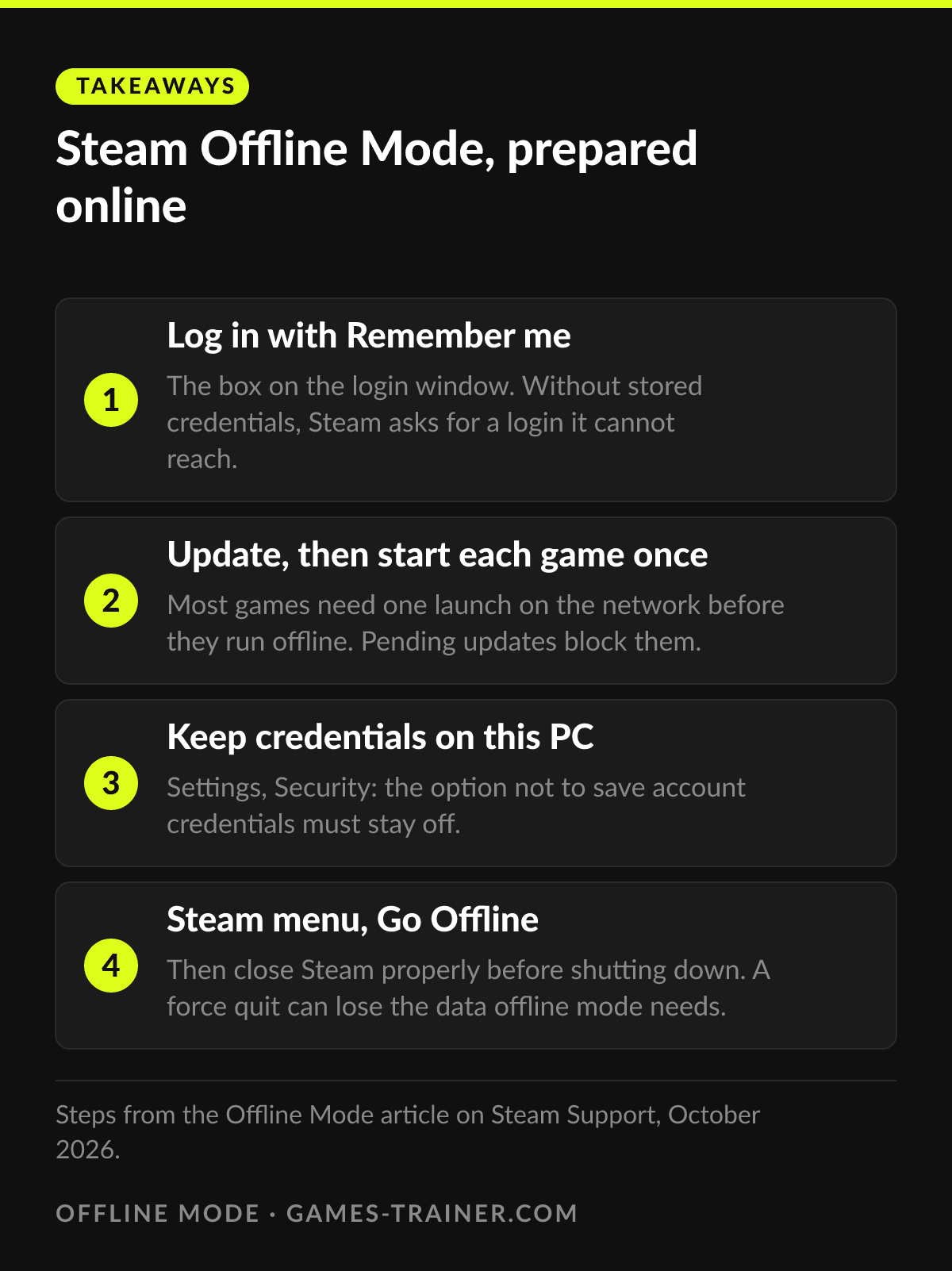 Infographic Steam Offline Mode, prepared online Click to enlarge
How long can you play Steam games offline?
Valve's support article on Offline Mode names no time limit. What ends it in practice is a lost login: if the stored credentials are gone, Steam requires going online. Updates also pile up, which the same article recommends installing regularly.
Why does Steam say this game cannot be started in Offline Mode?
According to Steam Support, a game showing 100% Ready with that message needs the Steam client, the game files or both updated. Go online, let the updates finish, start the game once, and go offline again.
Do Steam games need internet to play?
Not most single-player games, once they have been started online one time. Games that require an active connection or use an external launcher do not work in Offline Mode.
Do saves sync in Offline Mode?
No. Steam Cloud waits until you are online again, and Steam Support says that is very likely to produce a sync conflict. Back up the save folder before you reconnect if the progress matters.