
How to Use Nexus Mods Without Breaking Your Game
Nexus Mods needs a free account to download, a mod manager to install cleanly, and patience on the download bar unless you pay. The site's help pages put free downloads at about 1.5 MB/s with an ad blocker and about 3 MB/s without. The rest is discipline: read the requirements, add one mod at a time, and keep a copy of your saves from before you started.
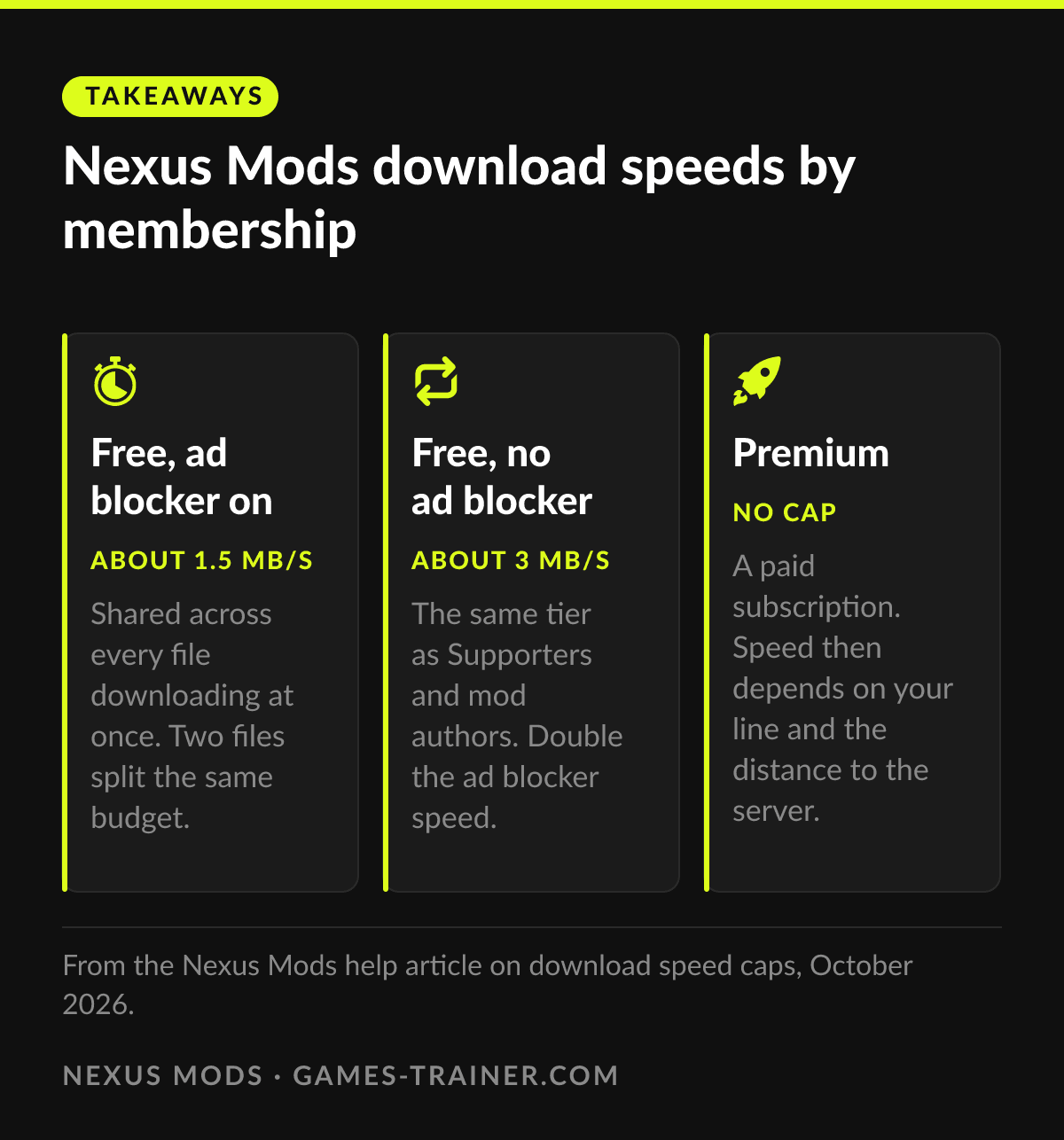
Takeaways Nexus Mods download speeds by membership
- About 1.5 MB/s Free, ad blocker on Shared across every file downloading at once. Two files split the same budget.
- About 3 MB/s Free, no ad blocker The same tier as Supporters and mod authors. Double the ad blocker speed.
- No cap Premium A paid subscription. Speed then depends on your line and the distance to the server.
An account and a mod manager
Downloading from Nexus Mods needs an account. The basic one is free, and the help article on account types lists what comes with it: access to the hundreds of thousands of user-made mods, forums, endorsements, and tracking of mods and authors you follow. Supporter adds ad-free browsing. Premium is a subscription that removes the download speed cap.
The second thing is a mod manager. Nexus makes its own, Vortex, and on the files tab of most mod pages a button labeled Mod Manager Download sends the file straight into it. The manager does three jobs a folder full of copied files does not: it remembers which files belong to which mod, it can switch a mod off without deleting anything, and it warns when two mods change the same file. You can install by hand from the manual download instead, and for a single texture swap that is fine. For more than three or four mods in one game, the manager pays for itself the first time something goes wrong.
Download speeds are capped, on purpose
Free downloads are slow, and Nexus says so. The speed cap article sets three tiers: about 1.5 MB/s for regular users with an ad blocker, about 3 MB/s for regular users without one, for mod authors and for Supporters, and no cap for Premium. The speed is shared, so two files downloading at once split the same budget. The reason given is money: Nexus pays for bandwidth by the speed it delivers, not by how much is downloaded, and the cap keeps that bill predictable.
In practice that means a big texture pack at the free tier is a coffee break, not a click. Start large downloads before you sit down to play, and do not take a slow bar as a sign that something is broken.
Reading a mod page before you click
Most failed mod installs are visible on the mod page before the download. Read three things:
- The description and the requirements. Many mods need another mod first: a script extender, a framework, a mod loader. Stardew Valley mods usually need SMAPI, Skyrim mods often need SKSE. Install those first, in the order the page names.
- The game version. A mod built for the version before the last patch may not load, and script extenders in particular stop working after an update until their author catches up.
- The posts and bugs tabs. If the newest comments say the mod broke with the latest patch, it did.
Next to each file sits a scan icon. Nexus describes it in its quarantine article: every upload passes security checks before anyone can download it, a file that fails is held until a moderator reviews it, and the icon links to the VirusTotal result. Self-extracting files and archives nested inside archives are blocked because they cannot be scanned properly. That is a better safety record than most download sites, and it is the reason a modding tool flagged by your own antivirus is worth checking against that page before you panic.
One mod at a time
Install one mod, start the game, load a save, play five minutes. Then the next. It sounds slow and it is the fastest way there is, because when the game crashes after mod number twelve you know it was mod number twelve. Load order matters in games where several mods touch the same data, and Vortex sorts much of it for the games it supports; when it asks you to decide a conflict, the mod you installed for a specific fix usually goes later.
Back up your save folder before the first mod and before removing any mod that adds items, quests or scripts. Some mods write their own data into the save, and a save that loaded fine with the mod may not load once the mod is gone. The save backup guide covers where those folders are. Patch days are the other risk: a game update can break mods overnight, so a heavily modded playthrough is best kept away from a big patch until the mods it depends on have caught up.
Mods, trainers and achievements
A mod changes the game’s rules for a whole playthrough. A trainer changes a value now and switches off again. Both are legitimate in single-player, and they solve different problems, which the comparison of consoles, mods and trainers goes through. The practical difference shows on patch day: a mod lives in the game folder and waits for its author, a trainer is updated by its maker and lives outside the game.
Achievements are the other difference. Some games turn them off as soon as they detect mods. Baldur’s Gate 3 is the best known case, where the community Script Extender switches them back on, and the achievements guide sorts the rest. If a game also has a trainer page, like Skyrim Special Edition, the trainer is often the simpler way to get the extra gold or carry weight that a dozen small mods are otherwise installed for. Keep both out of online sessions; what is a house rule in single-player is cheating with other people in the game.
 Infographic Nexus Mods download speeds by membership Click to enlarge
Do you need an account to download from Nexus Mods?
Yes, a basic account, which is free. It gives access to all user-made mods, the forums, endorsements and tracking. Supporter and Premium are paid tiers that remove ads and, for Premium, the download speed cap.
Why are Nexus Mods downloads so slow?
Free accounts are capped by design: about 1.5 MB/s with an ad blocker and about 3 MB/s without, shared across all active downloads. Nexus explains the cap with bandwidth costs. Premium removes it.
Is Nexus Mods safe?
Every upload is scanned, files that fail are quarantined until a moderator looks at them, and each file shows its scan result with a link to VirusTotal. That makes the site a reasonably safe source. The usual risk with mods is a broken save, not malware.
Do I need Vortex to use Nexus Mods?
No. Many mods can be installed by hand from the manual download. A mod manager keeps track of what changed in the game folder, which makes removing a mod much safer than deleting files you no longer remember copying.
Do mods disable achievements?
In some games. Baldur's Gate 3 disables achievements with mods by default, others never check. It is set per game, and the achievements guide on this site sorts the common ones.