
Stellaris Console Commands: The Useful List
Stellaris ships with a console that can hand you five thousand energy credits, finish every technology in the tree and let you take over any empire on the map. Two things come attached: it does not open in Ironman, and the first command you type switches achievements off for that game.
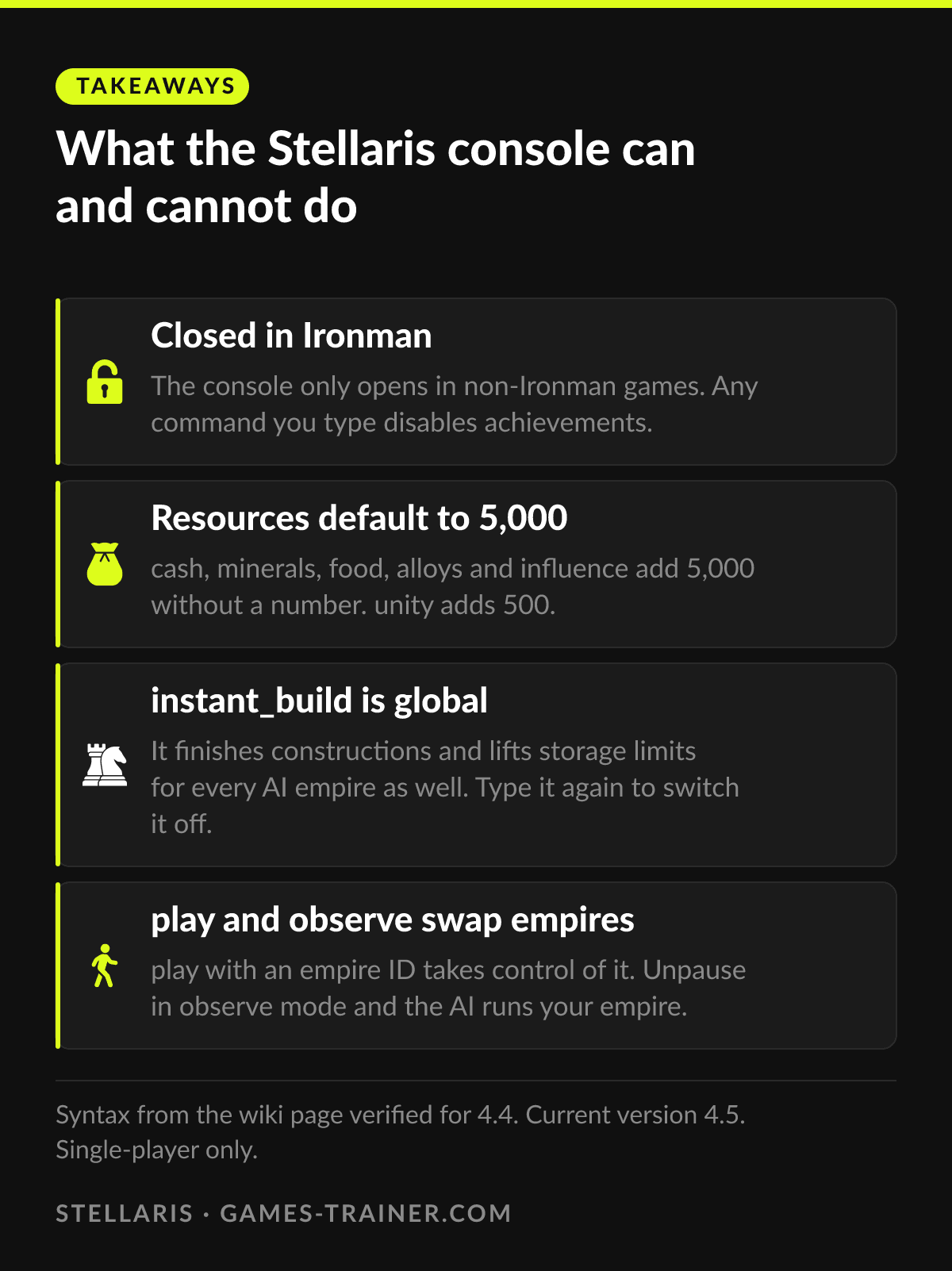
Takeaways What the Stellaris console can and cannot do
- Closed in Ironman The console only opens in non-Ironman games. Any command you type disables achievements.
- Resources default to 5,000 cash, minerals, food, alloys and influence add 5,000 without a number. unity adds 500.
- instant_build is global It finishes constructions and lifts storage limits for every AI empire as well. Type it again to switch it off.
- play and observe swap empires play with an empire ID takes control of it. Unpause in observe mode and the AI runs your empire.
Ironman closes the console, and every command costs achievements
The Stellaris console is a debugging window, and it opens in any game that is not Ironman, with the key left of 1: the backtick on a US keyboard, §, ^, ° or ² on most European layouts, Shift+2 or Shift+3 on a few others. If nothing happens, Shift+Alt+C is the fallback the wiki lists.
The price is spelled out on the console commands page of the Stellaris wiki: using any console command disables achievements. Ironman locks the console outright, so a game you want to keep clean is safe from a stray keystroke, and a game you want to experiment in needs Ironman off from the start.
The wiki page was last verified for version 4.4. The current release is 4.5, out on 22 September 2026 according to the patch history on the same wiki. If a command below answers with an error after the patch, check that page first.
Resources: one word, and the default is 5,000
Each resource command takes an optional amount. Leave the number out and you get the default, which is 5,000 for everything except unity.
| Command | What it adds |
|---|---|
cash [amount] | Energy credits, default 5,000 |
minerals [amount] | Minerals, default 5,000 |
food [amount] | Food, default 5,000 |
alloys [amount] | Alloys, default 5,000 |
influence [amount] | Influence, default 5,000 |
unity [amount] | Unity, default 500 |
minor_artifacts [amount] | Minor artifacts, default 5,000 |
astral_threads [amount] | Astral threads, default 5,000 |
physics [amount] | Physics research points, default 5,000 |
society [amount] | Society research points, default 5,000 |
engineering [amount] | Engineering research points, default 5,000 |
resource consumer_goods 1000 | Any other resource by its internal name |
The one that catches people is energy. There is no energy command for credits; the word is cash. Unity is the other trap: unity alone gives 500, a tenth of what every other line gives.
resource is the general form for anything without its own word, consumer goods being the wiki’s example. It needs the internal name of the resource, and the wiki does not list the internal names of strategic resources such as dark matter or zro. That is where most failed attempts at the command come from.
Research and construction: fast, and shared with the AI
research_all_technologies finishes every non-repeatable technology in the game. Add 1 and it includes space creature and crisis technologies; add a second number and it also grants that many levels of every repeatable. research_all_technologies 1 5 is the wiki’s example. Some technologies still refuse: Galactic Archivism needs a specimen first, and space fauna technologies need an encounter with space fauna.
finish_research is the smaller tool. It completes the research and special projects currently running, nothing more, which is useful when one anomaly project is the only thing standing between you and the next event.
instant_build is the command with a warning attached. It finishes constructions and upgrades instantly and makes resource storage unlimited, and the wiki notes in red that it applies to AI empires too. Every neighbor gets the same instant shipyards for as long as the toggle stays on. Type it again when your own queue is empty.
Empires, diplomacy and fleets
| Command | What it does |
|---|---|
play [empire ID] | Switches your control to that empire, for example play 2 |
observe | Observer mode; play brings you back |
contact | First contact with every empire at once |
own | Takes the selected fleet, starbase or planet |
debug_yesmen | Toggles AI empires agreeing to every proposal |
invincible | Your ships take no damage |
survey | Surveys every celestial object; needs one science ship |
skills [amount] | Adds skill levels to every leader you hired, default 1 |
free_policies | Policies and species rights change without restriction |
observe has a trap of its own. If you unpause while observing, the AI takes over your empire, and it will keep running it its own way until you type play with your empire ID. Pause first, look around, then go back.
own works on anything you can select, including bodies that cannot be colonized. The wiki notes that those become colonies without a construction menu, so a planet you take that way may be one you cannot develop.
Where the console stops
Every resource line is a lump. Five thousand alloys arrive once, the fleet eats them, and the console has nothing that holds a stockpile or changes income. Strategic resources are the harder gap: the commands with their own word stop at minor artifacts and astral threads, and for dark matter, nanites, zro, living metal and the rest you need an internal name the documentation does not give.
The construction toggle is the other limit. instant_build cannot be pointed at one shipyard or one terraforming project. It is on for the whole galaxy or off for the whole galaxy.
What the trainer covers instead
The Stellaris trainer lists 38 cheats, four of them free: add food, add physics research points, and 500 each of dark matter and nanites. Fifteen of the 38 sit in its luxury goods group: volatile motes, exotic gases, rare crystals, living metal, zro, dark matter and nanites, each in a 500 step and a large one, plus minor artifacts. That is the exact list the console makes awkward.
Nine of the cheats are construction speed, and they are split rather than global. Ships, armies, megastructures, megastructure upgrades and terraforming each have their own switch, and two of them act only on what you have selected: one construction ship, or one starbase. The AI keeps its normal build times. Research gets the same treatment, with instant research for physics, society and engineering as three separate toggles.
The trainer changes values in memory while the game runs and types nothing into the console. That makes it a different tool, not a way around the rules of a mode, and it is meant for single-player games only.
Console or trainer, by situation
The console for a one-off: meet every empire, survey the map, finish one project, take over a neighbor to see the galaxy from their side. It is free and it is already installed.
The trainer when the shortage is strategic resources or when you want one shipyard fast and the AI slow. That is where the console needs an internal name or switches the whole galaxy at once. Keep either one to single-player saves.
 Infographic What the Stellaris console can and cannot do Click to enlarge
 How do you open the console in Stellaris?
Press the key left of 1, shown as ` on a US keyboard. Other layouts use §, ^, ° or ², and some need Shift+2, Shift+3 or Alt+2+1. If none of these work, try Shift+Alt+C. The console does not open in an Ironman game.
Do Stellaris console commands disable achievements?
Yes. The wiki is plain about it: using any console command disables achievements. In an Ironman game the console does not open at all.
What is the Stellaris command for energy credits?
cash. Typed alone it adds 5,000 energy credits, cash 500 adds 500. There is no command called energy for credits.
How do you research all technologies in Stellaris?
research_all_technologies finishes every non-repeatable technology. research_all_technologies 1 also includes space creature and crisis technologies, and a second number adds that many levels of the repeatables, for example research_all_technologies 1 5.
Does instant_build affect the AI in Stellaris?
Yes. The wiki warns that instant_build applies to AI empires too, including the unlimited resource storage. Leave it on and every neighbor builds as fast as you do.