
7 Days to Die Console Commands: dm, cm, giveself
Press F1 and type dm. That one line gives you debug mode and the Creative Menu, and between them they cover most of what people call 7 Days to Die cheats. The rest is a handful of commands with exact syntax, and one of them, settime, comes with a warning from the wiki itself.
Takeaways Three ways to bend 7 Days to Die on PC
- F1, built in Console dm, cm, giveself, giveselfxp, settime, spawnentity. One line each, and settime can break timers on a save.
- 150 since V3.0 Sandbox options Set the rules before you start. The Almost Creative Mode preset takes the danger out without a single command.
- 25 cheats, 4 free Trainer Ten item slot cheats, hunger and thirst, stamina, levels and skill points, switched on while you play.
F1 opens it, dm and cm unlock everything else
The console in 7 Days to Die needs no launch option and no settings toggle. Press F1 on a US or EU keyboard and the command line opens. The Command Console page of the 7 Days to Die wiki lists the alternatives for other layouts: the quote key on US, @ on EU, Ö, Ø or F2 on Scandinavian and Ñ on Spanish keyboards. Opening it does not pause the game, so press Escape first if zombies are near.
Two commands do most of the work. dm, short for debugmenu, toggles debug mode: god mode, a debug menu on Escape and a set of extra keys. According to the wiki’s Debug Mode page, it also enables the Creative Menu. cm, short for creativemenu, switches on the Creative Menu alone. Close the console and press U to open it. It has a search box at the top, and hovering over an item shows the ID the other commands want.
The commands that change a run
The wiki notes that some commands are case sensitive. Brackets in the table mean an optional value.
| Command | What it does |
|---|---|
dm | Toggles debug mode, including god mode and the Creative Menu |
cm | Toggles the Creative Menu, open it with U |
giveself machete [quality] | Drops the item at your feet |
giveselfxp 1000 | Adds that much experience |
settime day | Sets the time to day, settime night to night |
settime 1300 | Sets the clock, 24-hour format |
settime 6 15 0 | Jumps to day 6, 15:00 |
se | Lists every entity ID |
se <playerID> <entityID> | Spawns that entity, lpi shows your player ID |
tp -200 300 | Teleports you, west and south are negative |
buff <name> | Applies a buff from buffs.xml, debuff removes it |
spawnairdrop | Spawns an air drop |
spawnwh | Sends a wandering horde toward you |
shownexthordetime | Prints when the next wandering horde is due |
weathersurvival off | Toggles weather survival off |
version | Prints the game version and loaded mods |
One detail has changed over the years. The wiki’s list, taken from Alpha 15, says giveself defaults to quality 600. Screen Rant’s 2024 list, written after the 1.0 release, gives the quality as a level from 1 to 6. If a command does not behave as written, type help and the console prints the list for the build you have.
settime is the one command with a warning attached
The wiki puts it bluntly: settime runs a high risk of breaking everything timer related on your save.
Back up the save folder before you use the command. Debug mode also has a time slider in its Escape menu, next to a speed slider for how fast time passes.
spawnentity has a smaller trap. Debug mode’s entity menu on F6 does the same job with a list, and the wiki’s Debug Mode page warns that some entities, such as TraderTest, cannot be killed, and that entity spawners stay on the map for good.
Version 3.0 added a cheat menu that is not called one
The 7 Days to Die line has moved fast since 1.0. Version 2.0 followed in June 2025, and the V3.0 Dead Hot Summer release notes from June 2026 brought 150 sandbox options. You can switch off zombie digging, play without magazines, save your own presets and share them. One of the new presets is called Almost Creative Mode, described in the notes as the apocalypse without the actual apocalypse.
For a run that should be easier from the start, that is cleaner than any command. It is set once, it applies to the whole world, and nothing has to be typed after day one. This page was checked against V3.3.0 Stable of 5 October 2026.
Where the console runs out
Every line in the table is a one-off. giveself drops one item at a time. giveselfxp adds a lump of experience, and nothing sets a level or hands you skill points directly. The two commands the wiki lists for hunger and thirst, starve and thirsty, push the bars the wrong way.
Debug mode fills part of the gap, and it is all or nothing: god mode, flight, the debug keys and the full Creative Menu at once. Sources disagree on whether and for how long dm and cm block achievements, and the patch notes since V2.0 do not settle it. Do cheats disable achievements covers the general rule.
Multiplayer has its own system. Every command has a permission level, 0 for the host or an admin and 1000 for a guest, and cp list prints them. This page is about your own single-player world.
What the trainer does instead
The 7 Days to Die trainer lists 25 cheats, four of them free. Ten of the 25 are item slot cheats, one per hotbar slot, which set the amount of whatever you are holding there. Concrete, ammunition, nails: put it in the slot and set the number. The first slot is free.
The other three free cheats move the clock: plus one hour, minus one hour, plus six hours. On the premium plan sit no hunger, no thirst, unlimited stamina, godmode, fly mode with no collision, stealth, and five cheats for levels and skill points, including add level and add skill points. Those last two are the ones the console has no line for.
Console, sandbox or trainer
The sandbox options for a world that should be easier from the start. Pick a preset or set your own before day one.
The console for a fix in the middle of a run: an item you need now, an airdrop, a teleport out of a collapsed building. Leave settime alone unless the save is backed up.
The trainer for a run you play straight but want lighter in one place, such as food and water, the horde night clock or a full stack of concrete. Single-player only, in all three cases.
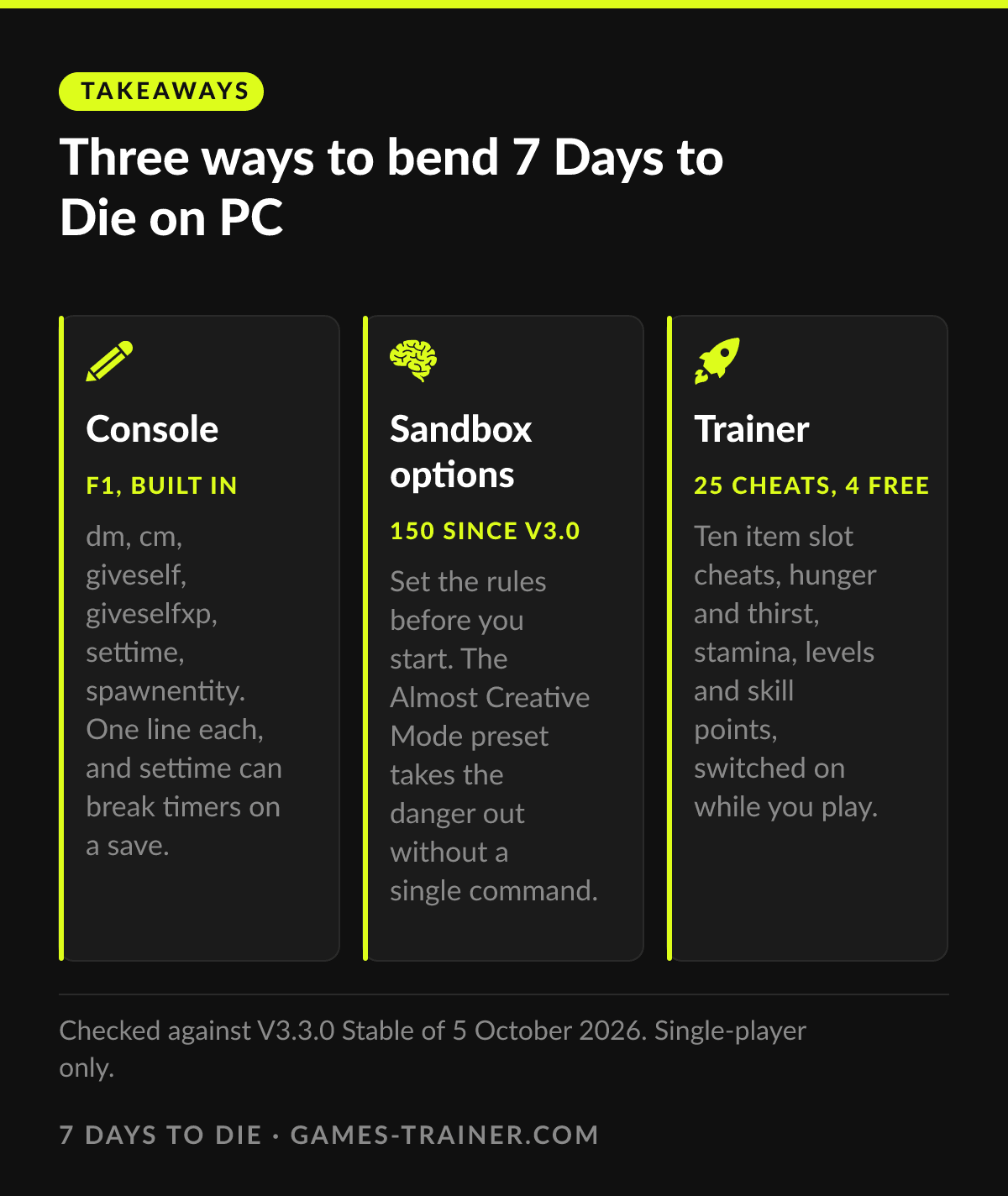 Infographic Three ways to bend 7 Days to Die on PC Click to enlarge
 How do you open the console in 7 Days to Die?
Press F1 on US and EU keyboards. Some layouts use another key: the wiki lists the quote key on US, @ on EU, Ö, Ø or F2 on Scandinavian and Ñ on Spanish keyboards.
What does dm do in 7 Days to Die?
dm is short for debugmenu. It toggles debug mode, which adds god mode and a debug menu on Escape with options such as setting the time and teleporting. It also enables the Creative Menu.
How do you open the Creative Menu?
Type cm in the console, close it and press U in game. The menu has a search box, and hovering over an item shows the ID you need for giveself.
How do you give yourself items in 7 Days to Die?
giveself followed by the item name and an optional quality, for example giveself machete. Item names are in Data\Config\items.xml or in the Creative Menu on hover.
Is settime safe to use?
The wiki warns that settime runs a high risk of breaking everything timer related on a save. Back up the save folder before you use it.