
Fallout 4 Console Commands That Actually Matter
Press the key left of 1, type tgm, and the Commonwealth stops hurting you. Fallout 4 on PC keeps the full Creation Engine console, it does not lock achievements, and it hands out caps with one line. It also refuses to open in Survival mode, and a handful of its commands can break a quest for good.
Takeaways What the Fallout 4 console does, and where it stops
- Opens with the key left of 1 Tilde or backtick on a US layout, ^ or ö on a German one. No launch option, no ini edit.
- Achievements stay on Console use does not disable achievements in Fallout 4, unlike Starfield.
- Caps are item f player.additem f 5000 adds 5,000 caps. Bobby pins are 0000000a, Stimpaks 00023736.
- Survival mode locks it In Survival the console does not open at all. The trainer works without it.
The console is one key away, and Survival is the only mode that hides it
Fallout 4 on PC ships with the full developer console of the Creation Engine. There is no launch option and no ini file to edit. Press the key left of 1, the HUD disappears, a prompt shows up in the lower left corner, and the game pauses until you close it again. On a US keyboard that key is ~ or `, on a German one ^ or ö, on a French one ² or ù. The Fallout Wiki keeps the full list by layout, and its fallback works when nothing else does: switch the Windows keyboard layout to US.
Two facts decide whether the console is useful to you at all. Using it does not disable achievements in Fallout 4, which sets it apart from Starfield. And it does not open in Survival mode. Bethesda built that lock into the difficulty itself, so a Survival player who wants an extra stack of Stimpaks has no line to type.
The current release is the Anniversary Edition of 10 November 2025, which came with an update that added the Creations menu to every version of the game. Mods from that menu are a separate topic. This guide is about the console alone.
Commands worth typing, sorted by the problem they solve
Syntax follows the Fallout Wiki console pages. The player. prefix targets you; without it, most commands act on whatever you clicked while the console was open.
| Command | What it does |
|---|---|
tgm | God mode: no damage, no radiation, unlimited ammo, AP, carry weight and settlement build resources |
tim | Immortal mode: you take damage, but health never reaches zero |
tcl | No clipping, walk and fly through walls |
tfc | Free camera, tfc 1 also freezes animations |
tmm 1 | Every map marker, discovered and ready for fast travel |
tai | NPC AI off and on |
player.additem f 5000 | 5,000 caps |
player.additem 0000000a 100 | 100 bobby pins |
player.additem 00023736 20 | 20 Stimpaks |
player.additem 00075FE4 5 | Five fusion cores for power armor |
player.setlevel 30 | Sets your level, cannot lower it |
cgf "Game.AddPerkPoints" 3 | Three perk points |
player.setav strength 10 | Sets a SPECIAL stat and updates the perk chart |
player.modav carryweight 500 | Adds 500 to carry weight |
unlock | Opens the clicked door, safe, container or terminal |
coc qasmoke | Teleports you to the test cell that holds most items in the game |
setstage <questID> <stage> | Moves a bugged quest to a later stage |
help raider 4 armo | Lists every armor with “raider” in its name, with its ID |
Caps carry the form ID 0000000f, and the wiki writes them as plain f. Bobby pins sit right next to them at 0000000a. Everything else is easier to find with help than with a printed list, because help searches by name and prints the ID next to each hit.
setav, modav and the commands that do more than they say
The two commands for stats look alike and behave differently, and the difference shows up hours later.
player.setav sets the base value. For a SPECIAL stat that means the perk chart notices, and the perks unlocked by the new value become available. player.modav adds a modifier on top. The Pip-Boy shows the new number, the perk chart does not react. For carry weight, modav is the better choice: modav carryweight 5000 leaves you at 5,200 with base Strength and still counts every later Strength gain, while forceav carryweight 5000 freezes the value at 5,000 for good.
tgm hides a catch as well. While it runs, Stimpaks and RadAway do nothing, so leaving god mode in the middle of a fight puts you back at whatever health you had before.
Where the console breaks things it cannot repair
Most commands are harmless. A few are not, and the wiki marks them plainly.
resetquest can leave a quest with no way forward. caqs, which completes every quest at once, is listed as very buggy and prone to crashes; saq, start all quests, crashes outright. unequipall on a character in power armor destroys the frame and leaves the character disfigured. setscale while wearing power armor can strip armor, clothing and Pip-Boy, recoverable only from an older save. The safe way through a bugged quest is setstage to the next stage, not completequest on the whole thing.
The practical rule follows from that. Make a separate save with a name you will recognize before you type anything that touches quests, scale or equipment. The console has no undo.
What the trainer covers that the console cannot reach
The console does a lot, and in one mode it does nothing. In Survival the key stays dead, and that is exactly the save where an extra stack of Stimpaks or a lighter backpack matters most.
The Fallout 4 trainer lists 22 cheats, three of them free: no recoil, set perk points and plus 100 lockpicks. Seven of the 22 are single SPECIAL steps, plus one Strength, plus one Perception and so on, one switch per stat, which is the job setav does without the risk of mistyping the stat name. The rest reads like the table above in switch form: godmode, invisibility, plus 5,000 bottle caps, infinite carry weight, set level and add experience. Two have no clean console twin: terminal passwords that are always right, and no settlement size limit.
It changes values in memory while the game runs. Nothing goes through the console, so the Survival lock does not apply to it.
Console or trainer, by the save you are playing
The console for a normal difficulty save and a one-off fix. Caps for a weapon you want, a quest stuck on a stage, a door whose key you never found. Type the line, close the console, keep playing, achievements included.
The trainer for Survival, or for anything you want switched on and off during play rather than typed again each time. Carry weight that stays infinite, a godmode toggle on a hotkey, SPECIAL raised one step at a time.
The same split holds in Bethesda’s next engine. The Starfield console guide shows the difference: there the console costs achievements, and that changes the arithmetic. Single-player only, in both games.
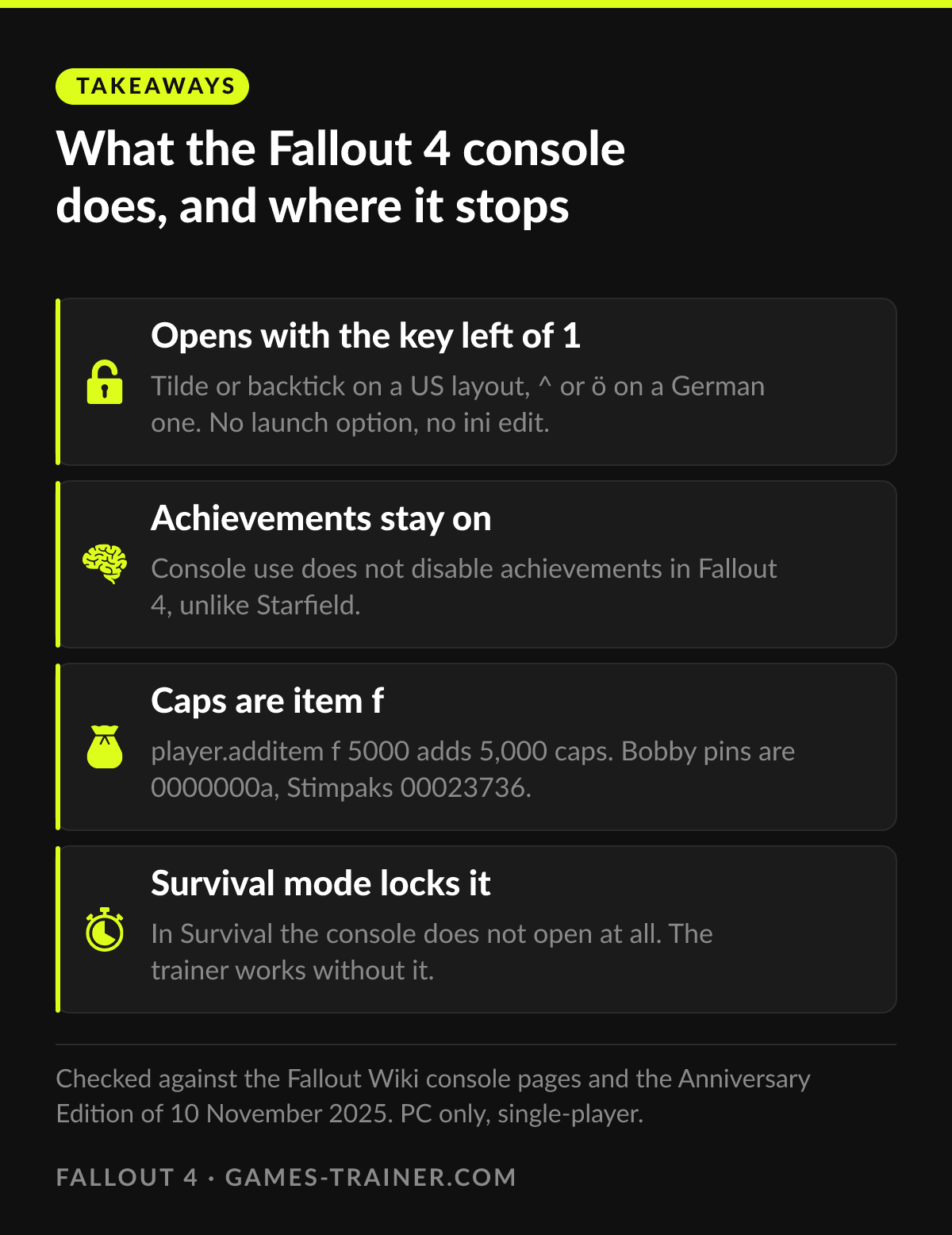 Infographic What the Fallout 4 console does, and where it stops Click to enlarge
 How do you open the console in Fallout 4?
Press the key left of 1 and under Escape: ~ or ` on a US keyboard, ^ or ö on a German one, ² or ù on a French one. If nothing happens, switch the Windows keyboard layout to US and try again. The game pauses while the console is open.
Do console commands disable achievements in Fallout 4?
No. Fallout 4 keeps achievements on when you use the console. Starfield is the Bethesda game that locks them, Fallout 4 does not.
What is the console command for caps in Fallout 4?
player.additem f followed by the amount, for example player.additem f 5000. The f is the short form of the caps form ID 0000000f.
Why does the console not open in Survival mode?
Survival mode disables the console by design, the key simply does nothing there. Every other difficulty keeps it. A trainer changes values in memory and never uses the console, so that lock does not concern it.
What is the difference between setav and modav?
setav sets a base value and, for SPECIAL stats, updates the perk chart. modav adds or subtracts on top of the base and does not unlock perk choices. For carry weight, modav is the safer one because Strength gains still count afterwards.
Can a console command break my save?
Some can. resetquest can leave a quest with no way forward, caqs and saq are known to crash, and unequipall on a character in power armor destroys the frame. Make a separate save before you try anything you cannot undo.