
Starfield Console Commands and Cheats on PC
Starfield kept the Creation Engine console, and on PC it opens with one key. Credits, digipicks, levels, every power: one line each. The difference from Fallout 4 is the price. Bethesda's own support page says achievements do not unlock while console commands are enabled, and a patch in November 2024 closed the gaps that still let some through.
Takeaways The Starfield console in four facts
- One key, near the 1 Tilde on a US layout, ö on a German one. No launch option needed.
- Achievements switch off Bethesda: achievements do not unlock while console commands are enabled. Patch 1.14.74 closed the loopholes.
- Credits are 0000000f player.additem 0000000f 10000 adds 10,000 credits. Digipicks are 0000000a.
- Levels give points, challenges still gate ranks One skill point per level. Rank 2 and up of a skill still wants its challenge done.
One key opens it, and the save it touches stops earning achievements
The console in Starfield on PC needs no launch option and no file edit. Press the tilde key, which sits near 1 and Escape on most keyboards, and a command line opens. The key moves with the layout: ~ on a US keyboard, ö on a German one, the % / ù key on a French one, º on a Spanish one. The Starfield Wiki console page covers the other layouts and how to remap the key in ControlMap.txt if none of them work.
The cost comes first, because it changes how you should use everything below. Bethesda’s support page on Steam achievements says plainly that achievements do not unlock when console commands are enabled, and that Starfield keeps a console save separate from saves without it. For a while some commands slipped through. Patch 1.14.74 of 19 November 2024 closed that: its notes list a fix for console commands that had not disabled certain achievements. The current version is 1.16.244 of 11 June 2026, according to the wiki’s patch history.
So the honest advice is short. If you care about achievements on a character, keep the console away from that save. If you do not, the console is generous.
The commands, by what you came for
Syntax follows the Starfield Wiki. Item IDs for credits and digipicks are the ones Starfield shares with Fallout 4, 0000000f and 0000000a.
| Command | What it does |
|---|---|
player.additem 0000000f 10000 | 10,000 credits |
player.additem 0000000a 20 | 20 digipicks |
player.setlevel 40 | Sets your level |
advlevel | Adds exactly one level |
incPCS <skill> | Raises a skill to its next rank |
player.addperk <perkID> | Adds a perk by ID |
help "<name>" 0 | Finds the ID of an item, perk or setting by name |
psb | Every power at once, short for player spell book |
tgm | No damage, no stamina use, no encumbrance, no cooldowns, no ammo use |
tcl | No clipping, fly through terrain and buildings |
tmm 1 | Shows all map markers |
player.setav carryweight 1000 | Sets carry weight to 1,000 |
unlock | Opens the targeted door or container, even “Requires Key” locks |
showlooksmenu player 1 | Reopens character creation for looks, background and traits |
coc qasmoke | Teleports you to the QA test hall |
setstage <questID> <stage> | Moves a quest to a later stage, e.g. setstage ms01 100 |
killall | Kills every loaded non-essential actor |
tgm has one gap worth knowing: it does not protect against scripted damage. The looks menu keeps the trait limit at three, so it is a way to swap a trait, not to stack them. And setgs changes to game settings, such as jump height, are not stored in the save and vanish on the next load.
Skill points come with levels, and the challenges still stand in the way
Starfield has 82 skills with four ranks each, and you get one skill point per level, according to the wiki’s skills page. The console route to more points is therefore a level command: player.setlevel for a jump, advlevel for one level at a time.
The catch sits in the skill tree, not the console. Rank 1 of a skill costs a point and nothing else. Ranks 2, 3 and 4 each require the skill’s challenge before a point can go in, and higher tiers want four ranks spent in the lower tiers of the same category. A stack of free points does not move a skill past an open challenge. That is where players who typed setlevel find their points stuck. The wiki lists incPCS as the command that raises a skill to its next rank directly; save before you try it, since the wiki marks parts of the skill commands as untested.
Where the console breaks quests
Quest commands carry real risk. The wiki marks caqs, which completes every quest including the ones you never started, as not recommended for general use and prone to crashes. completequest can finish a quest while the NPCs tied to it never register that, and keep handing you follow-ups. resetquest sets every stage back to zero.
The wiki’s own advice holds for all of it: create and archive a permanent save before you open the console, and use the weakest command that fixes the problem. setstage to the next stage is weaker than completequest, and usually enough.
What the trainer does differently
The lockout Bethesda describes is tied to console commands. The Starfield trainer changes values in memory while the game runs and never types into the console.
It lists 34 cheats, seven of them free: add credits, subtract credits, unlimited cutter energy, fill health, 2x experience, no item decrease and 2x walk speed. Five of the 34 are experience multipliers, from 2x up to 50x, which is the trainer’s answer to the level grind that setlevel solves in one line. Add skill points and subtract skill points sit next to them.
Four switches are for the ship alone: infinite hull, infinite shield, infinite weapon energy and infinite boost. The rest covers the character: godmode, infinite oxygen, infinite boostpack, prevent injury status, infinite weight, perfect pickpocket, infinite dialog turns and free build.
Console or trainer, by what the save is for
The console for a save where achievements do not matter, or a fresh one you made for testing. Credits for a ship you want to try, a stuck quest pushed one stage on, every power from psb.
The trainer for a character you want to keep clean on the console side, or for effects you switch on and off during play: ship shields in a dogfight, oxygen on a long walk, an experience multiplier for one evening.
Fallout 4 handles this differently. Its console leaves achievements alone, see the Fallout 4 console guide. Single-player only, in both games.
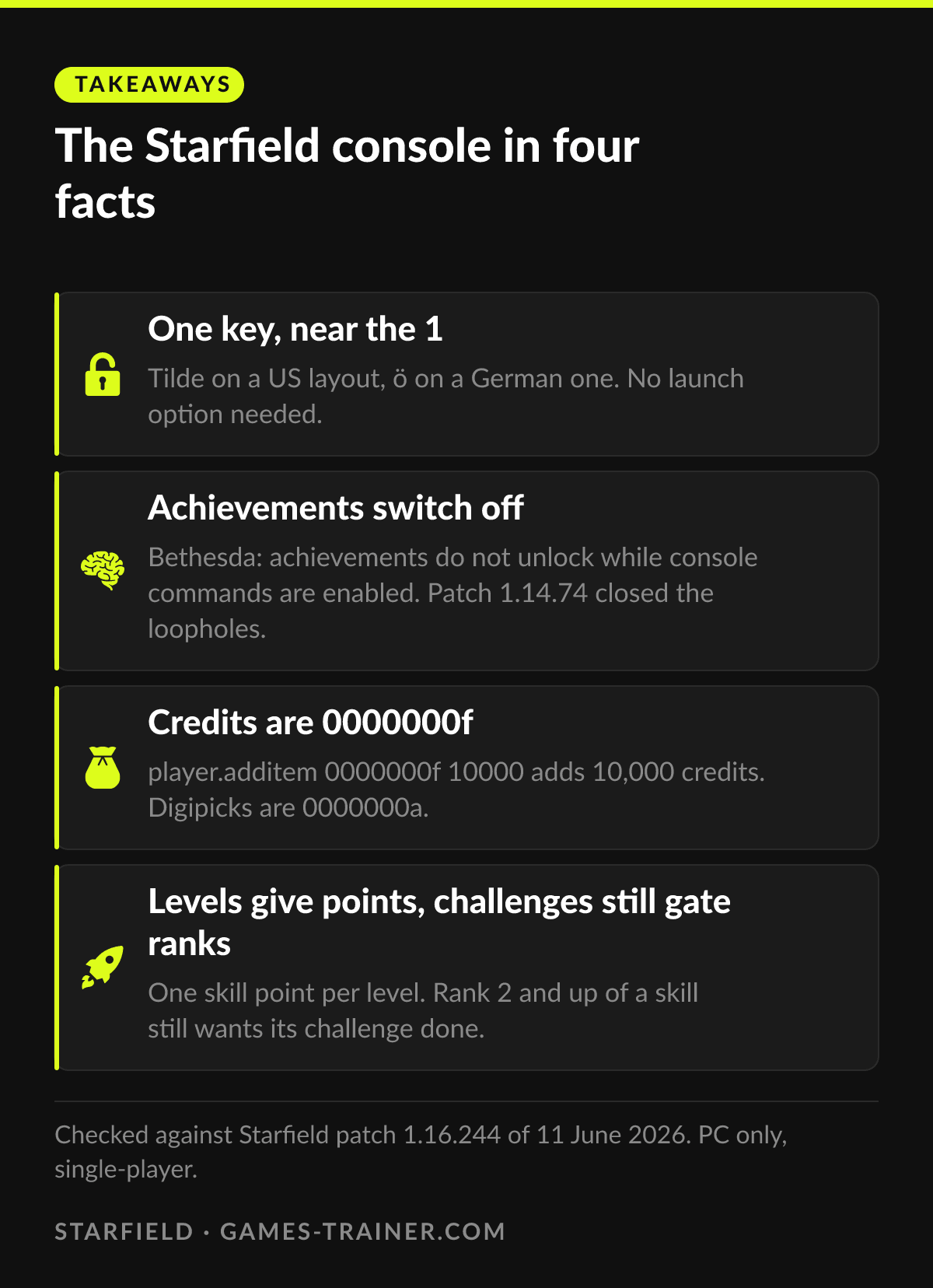 Infographic The Starfield console in four facts Click to enlarge
 How do you open the console in Starfield?
Press the tilde key, near 1 and Escape on most keyboards. On a German layout it is ö, on a French one the % / ù key, on a Spanish one º. Hungarian layouts need numpad 0.
Do console commands disable achievements in Starfield?
Yes. Bethesda's support page states that achievements do not unlock when console commands are enabled, and that a console save is kept separate from your other saves. Bethesda adds that restarting the game typically lets Steam enable achievements again.
What is the console command for credits in Starfield?
player.additem 0000000f followed by the amount, for example player.additem 0000000f 10000. Digipicks work the same way with 0000000a.
How do you get skill points with the console?
Starfield gives one skill point per level, so player.setlevel or advlevel is the way to add points. Ranks 2 to 4 of a skill still require their challenge before a point can go in.
Does Starfield have cheat codes without the console?
No. There is no cheat menu and no code screen in Starfield. Cheating on PC means the console, a mod, or a trainer that changes values in memory while the game runs.