
How to Use a Game Trainer on PC
A game trainer is a small program that runs next to your game and changes numbers while you play: the money in your wallet, the health bar, how fast the clock runs. It does not touch the game's files, it is switched on and off with hotkeys, and it belongs in single-player. Here is how one is set up, from download to the first cheat.
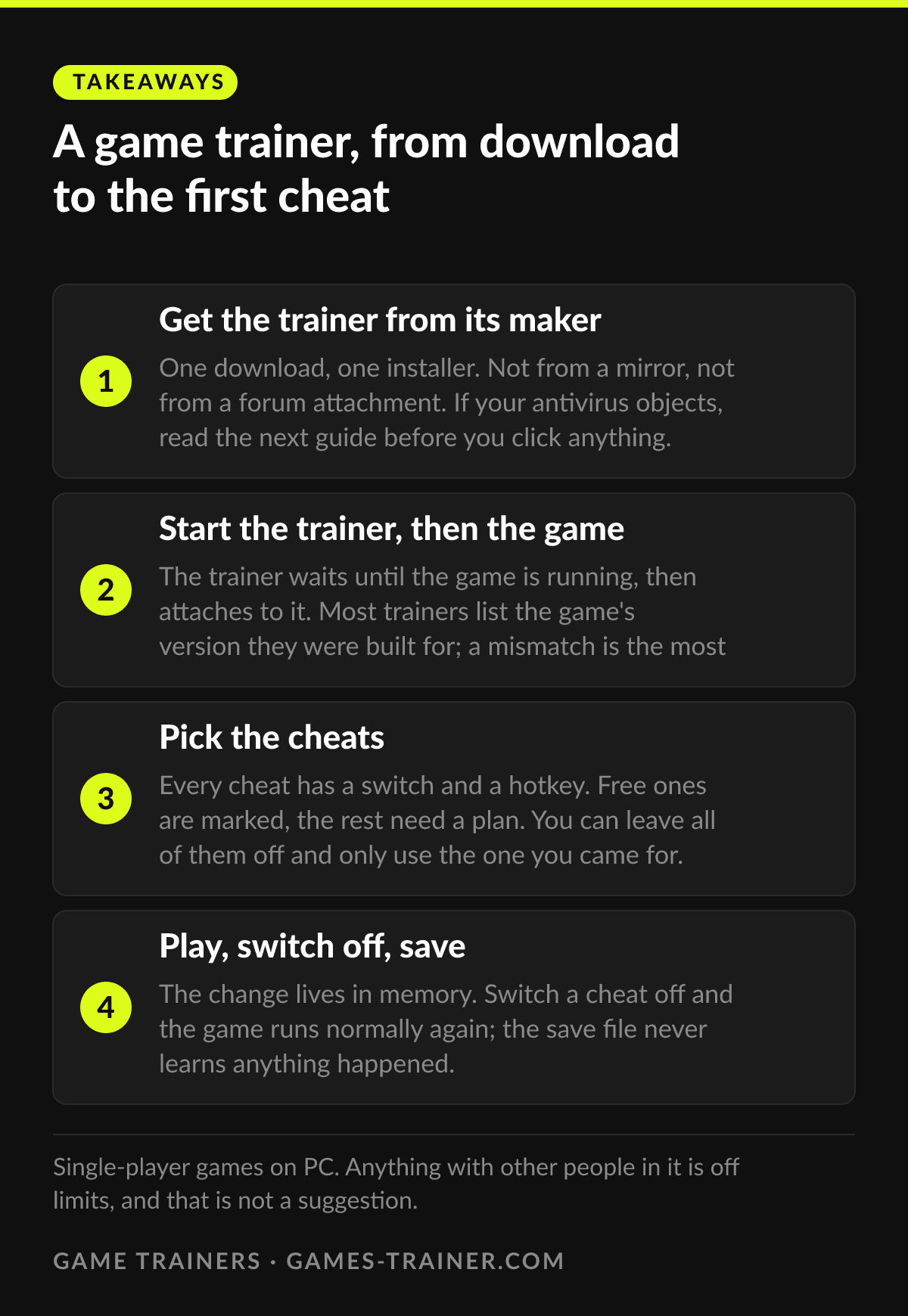
Takeaways A game trainer, from download to the first cheat
- 1 Get the trainer from its maker One download, one installer. Not from a mirror, not from a forum attachment. If your antivirus objects, read the next guide before you click anything.
- 2 Start the trainer, then the game The trainer waits until the game is running, then attaches to it. Most trainers list the game's version they were built for; a mismatch is the most common reason nothing happens.
- 3 Pick the cheats Every cheat has a switch and a hotkey. Free ones are marked, the rest need a plan. You can leave all of them off and only use the one you came for.
- 4 Play, switch off, save The change lives in memory. Switch a cheat off and the game runs normally again; the save file never learns anything happened.
What a trainer actually does
Every number you see in a game lives in memory while the game runs: the coins in the corner, the health bar, the timer, the stamina. A game trainer is a program that finds those numbers and changes them. Set health to maximum and keep it there, add money, freeze the clock, multiply experience. The game reads the value it expects, only the value is now the one you chose.
That is the whole mechanism, and two things follow from it. First, a trainer does not change a single file of the game. Uninstall it and there is nothing left behind. Second, a trainer is built against one version of a game, because a patch moves the numbers to new places. That is why every trainer page on this site lists what the trainer covers, and why a trainer sometimes stops working the day after an update until its maker catches up.
The rest of this site is about what the trainers cover: 100 PC games, 2,402 cheats, 627 of them free, each listed before you download anything. This page is about the twenty minutes before that.
Getting it running
Download from the maker. A trainer is a program that writes into another program’s memory. That is exactly the behavior an antivirus is trained to dislike, so the source matters more than usual. Get it from the maker’s own site, not from a mirror, a forum attachment or a video description. If your antivirus flags the download anyway, that is common enough to have its own guide; read it before you add exclusions to anything.
Install it once. The trainer is a normal desktop program with its own installer. It does not go into the game folder, it does not need the game to be closed, and it does not care which store the game came from. Steam, Epic, GOG, Game Pass: the trainer attaches to the running process, not to the launcher.
Start the trainer, then start the game. The order matters less than the guides make it sound, but trainer first is the safe habit: it sits and waits, you launch the game, it recognizes the process and attaches. Some trainers show the game’s version they were built for. If yours says 1.4 and the game says 1.5, that is the answer to the question you were about to ask.
Pick the cheats. Each cheat is a switch with a hotkey. The free ones are marked, the rest unlock with a plan. Nothing is on until you turn it on, and you can run the whole session with a single cheat active and the other fifty untouched. For a picture of what a list looks like, the Palworld trainer has 54 entries in 13 groups, from godmode to Pal capture rate.
Switch off before you judge the game. This is the part people skip. A trainer that adds money every time you open a shop will make the economy meaningless for the rest of the run. Switch a cheat on for the problem, then off again. The save file records the result, not the method.
Where it works, and where it must not
Trainers are built for single-player. Fairness would be reason enough, and there is a second one. Online games run anti-cheat software that watches for exactly what a trainer does, and a trainer in a multiplayer process is the shortest route to a ban there is. Co-op games with a solo mode, like PEAK or R.E.P.O., are fine on your own and off limits the moment a friend joins. The guide on bans and anti-cheat goes through which systems do what.
Achievements are a separate question with a separate answer: it depends on the game, not on the store, and that guide lists the ones that lock and the ones that do not.
When nothing happens
Three causes cover almost every case.
The version. The game updated, the trainer did not yet. Check the version on the trainer page and in the game’s main menu. If they differ, wait for the update; the values moved.
The user. The game runs as administrator and the trainer does not, or the other way round. Windows will not let a normal process write into an elevated one. Run both the same way.
The antivirus. It let the download through and then blocked the trainer from touching the game, silently. The Windows Security history shows it. The antivirus guide explains what the warning means and what an exclusion costs.
If you would rather understand the machinery than trust it, the same job can be done by hand with Cheat Engine, a memory scanner that shows you the numbers and lets you change them yourself. It is free, it is open source, and it is a project rather than a switch. The comparison of the four ways to cheat on PC puts them side by side.
The short version
A trainer is a switchboard for numbers the game keeps in memory. Install it from its maker, start it next to the game, turn on what you need, turn it off when you are done. Single-player only, and the save never knows.
 Infographic A game trainer, from download to the first cheat Click to enlarge
 What is a game trainer?
A program that reads and changes values in a game's memory while the game runs: health, money, ammunition, speed. It works next to the game rather than inside it, so the game's own files stay untouched.
Do I need to install anything inside the game folder?
No. A trainer is its own program. You install it once, start it, and it finds the running game. Mods and script frameworks go into the game folder; trainers do not.
Can I use a trainer in multiplayer?
No. Trainers are for single-player. In an online game the other players are affected, the anti-cheat is watching, and a ban is the expected outcome. Every page on this site says the same thing for a reason.
Why does nothing happen when I press the hotkey?
Usually the game version. Trainers are built against a specific build, and a patch moves the values around. The second reason is that the trainer was started as a different user than the game, so it cannot attach. The third is an antivirus that quietly blocked it.