
Windrose Cheats and Console Commands
Windrose has no console commands. The tilde key does nothing, there is no launch option that changes that, and the command lists circulating online do not work. What Kraken Express did build is a set of world settings that scale enemies, ships and boarding fights from a fifth of normal to five times normal, and those are the closest thing to a cheat menu the game has.
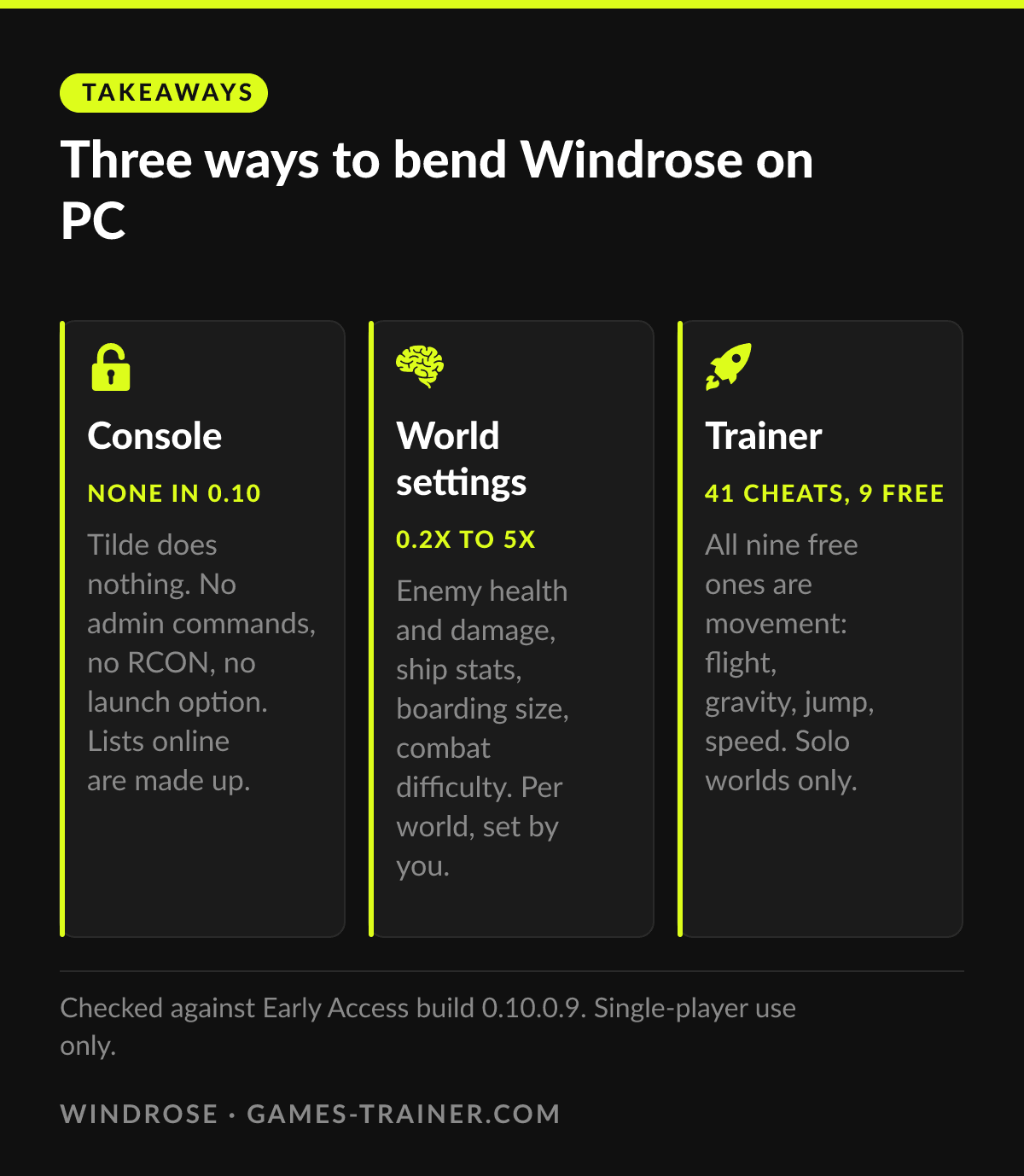
Takeaways Three ways to bend Windrose on PC
- None in 0.10 Console Tilde does nothing. No admin commands, no RCON, no launch option. Lists online are made up.
- 0.2x to 5x World settings Enemy health and damage, ship stats, boarding size, combat difficulty. Per world, set by you.
- 41 cheats, 9 free Trainer All nine free ones are movement: flight, gravity, jump, speed. Solo worlds only.
The console is switched off, and nothing switches it back on
Windrose runs on Unreal Engine 5, and Unreal games usually carry a developer console behind the tilde key. This one does not. Kraken Express shipped the Early Access build on 14 April 2026 with the console disabled, and All Things How checked the obvious routes two days later: tilde does nothing, and there is no key binding, launch argument or config flag that brings it back.
Servers are no different. As of July 2026 there were no in-game admin commands, no server console, no RCON and no admin login, according to RespawnHost’s admin page, which also warns that the “complete command lists” with spawn and teleport lines are made up. Version 0.10.0.9 did not change that. The one command the game does have is Unstuck, for a character caught in the scenery, and patch 0.10.0.6 repaired it.
So the honest answer to “windrose console commands” is a short one: there are none to type. What people mean by Windrose cheats lives in two other places, the world settings and outside tools.
The world settings are the built-in cheat sheet
Every Windrose world carries a set of difficulty values. On a dedicated server they sit in that world’s WorldDescription.json and take effect after a restart. Kinetic Hosting’s settings guide lists names, defaults and ranges:
| Setting | Default | Range | What it changes |
|---|---|---|---|
CombatDifficulty | Normal | Easy, Normal, Hard | Bosses and general enemy aggression |
MobHealthMultiplier | 1.0 | 0.2 to 5.0 | Enemy health |
MobDamageMultiplier | 1.0 | 0.2 to 5.0 | Damage enemies deal |
| Ship health multiplier | 1.0 | 0.4 to 5.0 | Ship health |
| Ship damage multiplier | 1.0 | 0.2 to 2.5 | Ship damage |
BoardingDifficultyMultiplier | 1.0 | 0.2 to 5.0 | How many sailors you must beat to take a ship |
EasyExplore | false | true, false | Hides map markers. Called Immersive exploration in game, and it makes things harder |
The ship rows have no exact key here because the guides disagree on the spelling: one writes ShipHealthMultiplier, another ShipsHealthMultiplier. Open the file and use what is in it.
Set enemy health and damage to 0.2 and the boarding multiplier to 0.2, and a fight takes a fifth of the hits and costs a fifth of the health. That is as far as the built-in route goes. It is per world, it changes enemies rather than you, and it has no switch for your own health, stamina, materials or experience.
What the mods offered, and why they are a gamble
Before Early Access there was a community console enabler. It was last updated on 4 March 2026, during the demo, and GameServerKings expects it not to work on the 0.10 builds. The mod people still point to is Windrose Cheat Suite on Nexus Mods, a UE4SS script that toggles infinite health and stamina, armour and damage boosts and one-shot ship sinking. GameWatcher noted in May that any game patch can break mods of this kind, and Windrose is in Early Access, where patches are the point.
What the trainer adds on top
The Windrose trainer lists 41 cheats. Nine are free, and all nine are about movement: higher and lower jump force, faster and slower movement, higher and lower gravity, and a Fly/Hover Mode with two more cheats to raise and lower your height. That is the work a console usually does in an Unreal game, delivered as switches, and it costs nothing.
The premium list reaches what the world settings cannot touch. Godmode, Unlimited Health and Unlimited Stamina for you. Add XP and Add Attribute / Talent Points for the character sheet. Set Item Amount for the stack under your cursor, and Free Item Use for building and crafting.
The sea gets its own block. Five cheats act on your ship: faster, slower, less damage, more damage, and a ship Godmode. Two more slow down or speed up the AI ships close to you, so seven of the 41 are about sailing. Three save positions and three teleports, A to C, cover the trips the missing console would otherwise handle. Day and night length can be set directly, against defaults of 3300 and 800.
World settings, mod, or trainer
The world settings if the fights are too hard and nothing else is. They are free, part of the game, and survive every patch.
The trainer if the grind is the problem: talent points, materials, a ship that sinks too fast, the swim back to a spot you saved. Windrose supports co-op for up to eight players, and the trainer is not meant for any of them. Use it on a solo world, offline. Can you get banned for using a trainer explains why that line matters.
 Infographic Three ways to bend Windrose on PC Click to enlarge
 Does Windrose have console commands?
No. In the Early Access build there is no developer console, no in-game admin command and no server console. Pressing tilde does nothing, and lists of spawn or teleport commands found online are fabricated.
How do you make Windrose easier?
Through the world settings. Combat difficulty has Easy, Normal and Hard, and multipliers scale enemy health and damage from 0.2 to 5.0. On a dedicated server they sit in each world's WorldDescription.json and apply after a restart.
Is there a god mode in Windrose?
Not in the game. The lowest enemy damage multiplier is 0.2, which still hurts. A community mod on Nexus Mods adds infinite health and stamina, and the trainer has Godmode for you and for your ship.
Can you use a trainer in Windrose co-op?
Do not. Windrose supports co-op for up to eight players, but the trainer is meant for your own single-player world. Use it offline on a world nobody else joins.