
Palworld Console Commands and Cheats on PC
Every list of Palworld console commands you find was written for a dedicated server. In your own single-player world the command line is gone, and the commands that survive cannot give you a single item. Here is what actually works on PC.
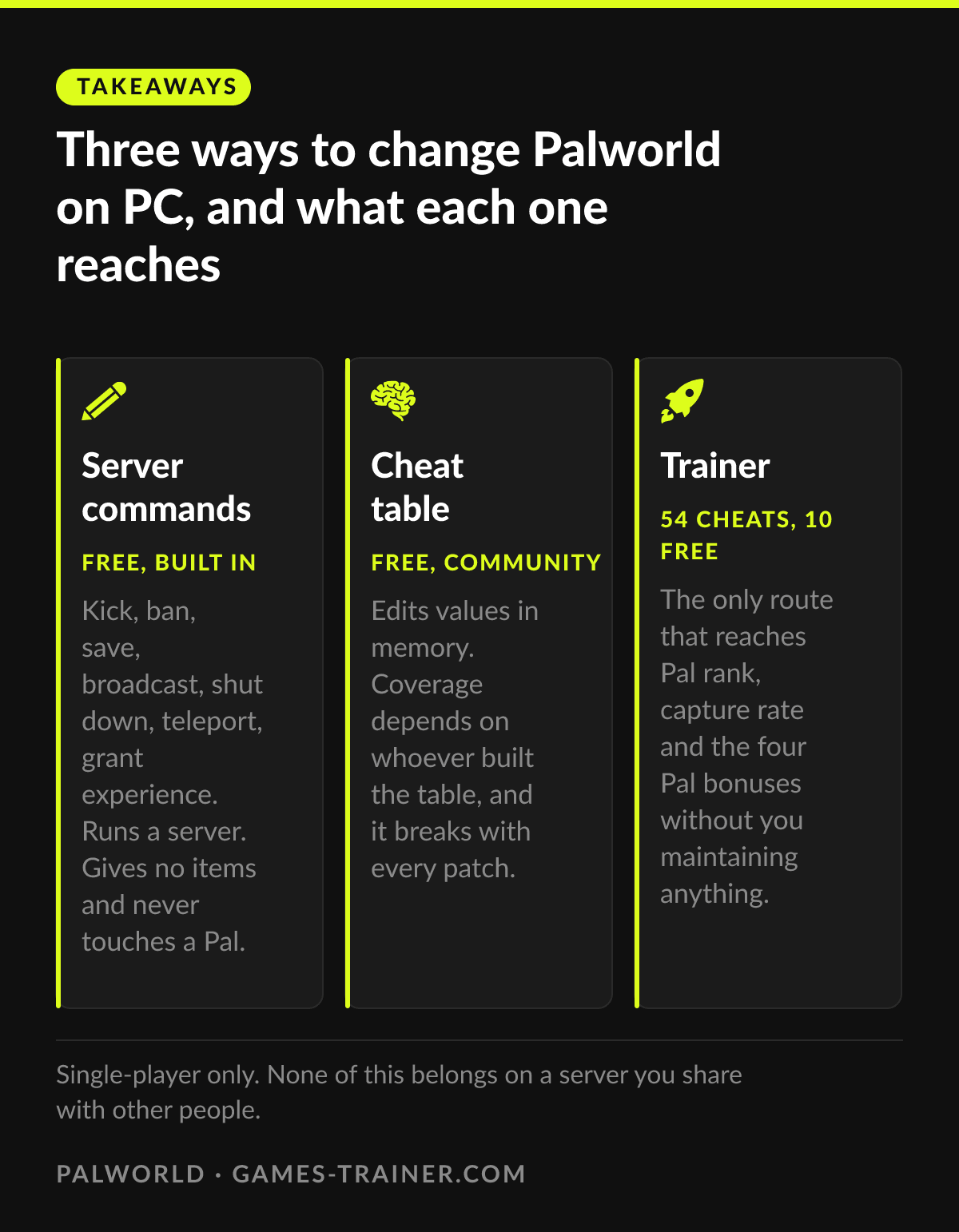
Takeaways Three ways to change Palworld on PC, and what each one reaches
- Free, built in Server commands Kick, ban, save, broadcast, shut down, teleport, grant experience. Runs a server. Gives no items and never touches a Pal.
- Free, community Cheat table Edits values in memory. Coverage depends on whoever built the table, and it breaks with every patch.
- 54 cheats, 10 free Trainer The only route that reaches Pal rank, capture rate and the four Pal bonuses without you maintaining anything.
The console is gone, and that is the whole problem
Palworld shipped with an in-game console. Pocketpair removed it after version 0.1.3.0. What survives is the command line on dedicated servers: you authenticate once with /AdminPassword, and from then on you get a set of commands built to administer a server.
That set does real work, and it is short enough to print. These are the ones you will actually use, straight from the Pocketpair’s server documentation:
| Command | What it does |
|---|---|
/AdminPassword <password> | Grants you admin rights for this session. Nothing else works before this |
/Save | Writes the world to disk right now |
/Shutdown <seconds> <message> | Closes the server with a countdown and a notice |
/KickPlayer <SteamID> | Removes a player |
/BanPlayer <SteamID> | Removes a player and keeps them out |
/ShowPlayers | Lists who is connected, with their IDs |
/ToggleSpectate | Switches you into spectator mode |
/Broadcast <message> | Sends a line to everyone on the server |
If you run a world for friends, this is the toolbox you want, and no trainer replaces it.
For everything else, it is the wrong toolbox:
- No command spawns an item. There is no
/givein Palworld, and as of 1.0 item spawning, Pal spawning and godmode are still not part of the supported command set. - No command sets technology points, ancient technology points or status points.
- No command touches a Pal. Not its rank, not its capture rate, not its stats.
- None of it reaches your single-player world unless you go and run a dedicated server for yourself.
So when a guide hands you a list of Palworld console commands, the list is not wrong. It just answers a different question than the one you had.
What a cheat table adds, and what it costs
This is why so many people end up with a memory editor instead. It attaches to the running game, you find a value, you change it. In single-player that stays on your own machine.
Two things are worth knowing first. You will be running someone else’s table, because finding the address for Pal capture rate yourself is a project rather than an afternoon. And tables are uneven: one covers stamina and weight, the next covers technology points but not effigies, a third adds Pal stats and drops the rest. Then the game patches, the addresses move, and you go looking again.
That is the real price of free. Plenty of people happily pay it.
What the trainer covers instead
The Palworld trainer lists 54 cheats, 10 of them free. The spread matters more than the number.
The Pal side is the part nothing else reaches. Eleven of the 54 act on whichever Pal your cursor is on: restore its health, add experience, set its rank from one to five, and add or reset its health, attack, defense and work bonuses. There is a capture rate switch next to them. No console command goes anywhere near this, and most cheat tables skip it.
Around that sits the survival scaffolding. Godmode, infinite health and stamina, no hunger, unlimited weight, no crafting requirements, no building requirements, instant build and craft for you and your Pals at once.
Progress has its own group: technology points, ancient technology points, status points, effigy points and an experience multiplier, each of them up and down.
The free tier covers heal, restore food, experience up and down, movement speed, work speed, gravity and no partner skill cooldown. Enough to find out whether you enjoy playing this way before anything costs money.
There is even a fishing pair, No Fishing Progress Loss and Instant Fishing, which tells you precisely which minigame players got tired of.
Which one you want
Server commands if you run a world for other people and need to kick, save or restart it cleanly.
A cheat table if you enjoy the hunt, need one or two values, and do not mind re-downloading after every patch.
A trainer if you want to set a Pal’s rank on Tuesday, switch it off on Wednesday, and not think about it in between.
Single-player is the whole context here. It is also the reason none of this is a problem in the first place.
 Infographic Three ways to change Palworld on PC, and what each one reaches Click to enlarge
 Can you use console commands in single-player Palworld?
Not on the retail build. Pocketpair removed the in-game console after version 0.1.3.0. The command line you see in guides belongs to dedicated servers, where you authenticate with /AdminPassword first.
Do Palworld admin commands give you items?
No. The native command set was built to run a server, not to cheat. There is no command that spawns an item, sets your technology points or changes a Pal.
Do Palworld commands work on Game Pass or Xbox?
The admin commands are tied to the Steam version and its dedicated servers. This page is about PC in general and Steam in particular.
Does cheating in Palworld disable achievements?
Palworld has no achievement lockout tied to cheats. Anything touching a shared server is a different matter, so keep it to single-player.