
Valheim Console Commands and Cheats on PC
Valheim's cheats are built in and locked behind two steps: the launch option -console, then the word devcommands in the console. After that, god, fly, ghost and spawn are one line each. Since version 1.0 they come with a price the old guides do not mention: achievements.
Takeaways From launch option to god mode in Valheim
- 1 Add -console to the launch options Steam library, right-click Valheim, Properties, General, Launch Options.
- 2 Press F5 in game The console opens. Player commands work here without anything else.
- 3 Type devcommands Unlocks the cheat commands. Single-player or a world you host, never a dedicated server.
- 4 Type debugmode for the hotkeys B builds without cost, Z flies, K kills nearby enemies. Achievements can be blocked once you use cheats.
Two steps before a single cheat works
The console is switched off by default. On Steam, right-click Valheim in your library, open Properties, and type -console into the Launch Options field on the General tab. Start the game and press F5. On PC Game Pass the Developer console page of the Valheim wiki describes the same idea with a shortcut: create one for Valheim.exe and add -console to its target.
That only opens the box. Cheat commands need a second step: type devcommands and press Enter. Typing it again switches them off. Player commands such as help, fov and the emotes work without it.
The second step comes with a limit the wiki spells out. Cheat commands work in single-player and in a world you host from the game. They do not work on a dedicated server. Admin commands like kick, ban and save are a separate set for players on the admin list.
The commands, with devcommands switched on
Item and creature names follow the wiki’s item ID list, such as Wood or Troll. Brackets mean an optional value.
| Command | What it does |
|---|---|
god | God mode, damage never takes your health below 1 |
ghost | Enemies ignore you |
fly | Toggles flight, same as Z in debug mode |
debugmode | Unlocks the debug hotkeys |
spawn Wood 50 [level] | Spawns an item or creature, amount and level optional |
tod 0.5 | Sets the time of day, 0 and 1 are midnight, 0.5 is noon, -1 resets |
pos | Prints your coordinates |
goto 100 -200 | Teleports you to x and z |
exploremap | Reveals the whole map, resetmap hides it again |
heal | Restores health, stamina and eitr |
raiseskill Swords 20 | Raises a skill, All raises every skill |
nocost | Building without materials, same as B in debug mode |
killall | Kills nearby enemies and tamed creatures, never players |
tame | Tames every tameable creature nearby |
itemset Mountains | A premade kit of iron gear and skills at 25 |
skiptime 240 | Jumps the clock forward in seconds |
debugmode adds a set of keys on top: B for building without a workbench or resources, Z to fly with Space and Ctrl, K to kill nearby enemies, L to clear item drops, Ctrl and middle click on the map to teleport.
Three commands deserve care. itemset drops everything you are carrying unless you add keep after the set name, so itemset Mountains keep is the safer habit. skiptime does not update object timestamps, and the wiki warns that spawn zones, plants and smelters can stall until the clock returns to where it was. And spawn with a creature of level 10 or higher can freeze the game when it dies and drops thousands of items.
Version 1.0 made cheats visible, and achievements care
Valheim left early access with 1.0 on 9 September 2026, and the release notes changed two things for console users. The game now has achievements. And items spawned with cheat commands are marked as cheated item in the inventory, so a stack of spawn iron looks different from mined iron.
Using devcommands can block achievements. Iron Gate softened that two days after launch. Hotfix 1.0.12 added a devcommand with a deliberately long name, yesiuseddevcommandsbutiwantmyachievementsanyway, that opts a character back in, along with a popup that says when achievements are available again. The hotfix shipped on Steam first. Patch 1.0.14 then fixed characters being wrongly marked as temporary cheaters. For the general rule across games, see do cheats disable achievements.
1.0 also brought a batch of new commands, from repairall and inventorysize to findbiome. The notes point to the in-game help command for what each one does. This page was checked against 1.0.17 of 6 October 2026.
Where the console stops
The dedicated server is the hard wall. A world on a rented server cannot run god or spawn at all, by design, and this page does not try to work around that. Shared worlds are for playing with other people as they are.
The softer limit is that most commands are a single push. heal fills stamina once, and it empties again on the next sprint. spawn hands you a pile, and the carry weight limit still decides how much of it you can walk home with. None of the commands in the table touches carry weight or stops stamina from draining.
What the trainer adds
The Valheim trainer lists 20 cheats, six of them free: refill stamina, unlimited eitr, low stamina, set player level, low carry weight and a walk speed setting. Stamina and carry weight are exactly the two gaps in the table above, and both sit in the free tier.
On the premium plan you get unlimited stamina, zero weight, infinite durability, item quantity and durability settings, craft or build anything, fast skill gains, run speed, jump force, fly mode, ghost mode, godmode and easy kills. One premium switch is unusual: enable console cheats on F5, which opens Valheim’s own console for anyone who wants both.
It changes values in memory while the game runs, and like the console, it belongs in a single-player world.
Console or trainer, by what you want
The console for a one-time fix: a tombstone you cannot reach, a map you lost, a boss fight you want to test with itemset. Turn devcommands off afterwards.
The trainer for the things that keep running out. Stamina, carry weight and durability come back as a problem every trip, and switches that stay on handle them better than a command you type each time. Single-player only, in both cases.
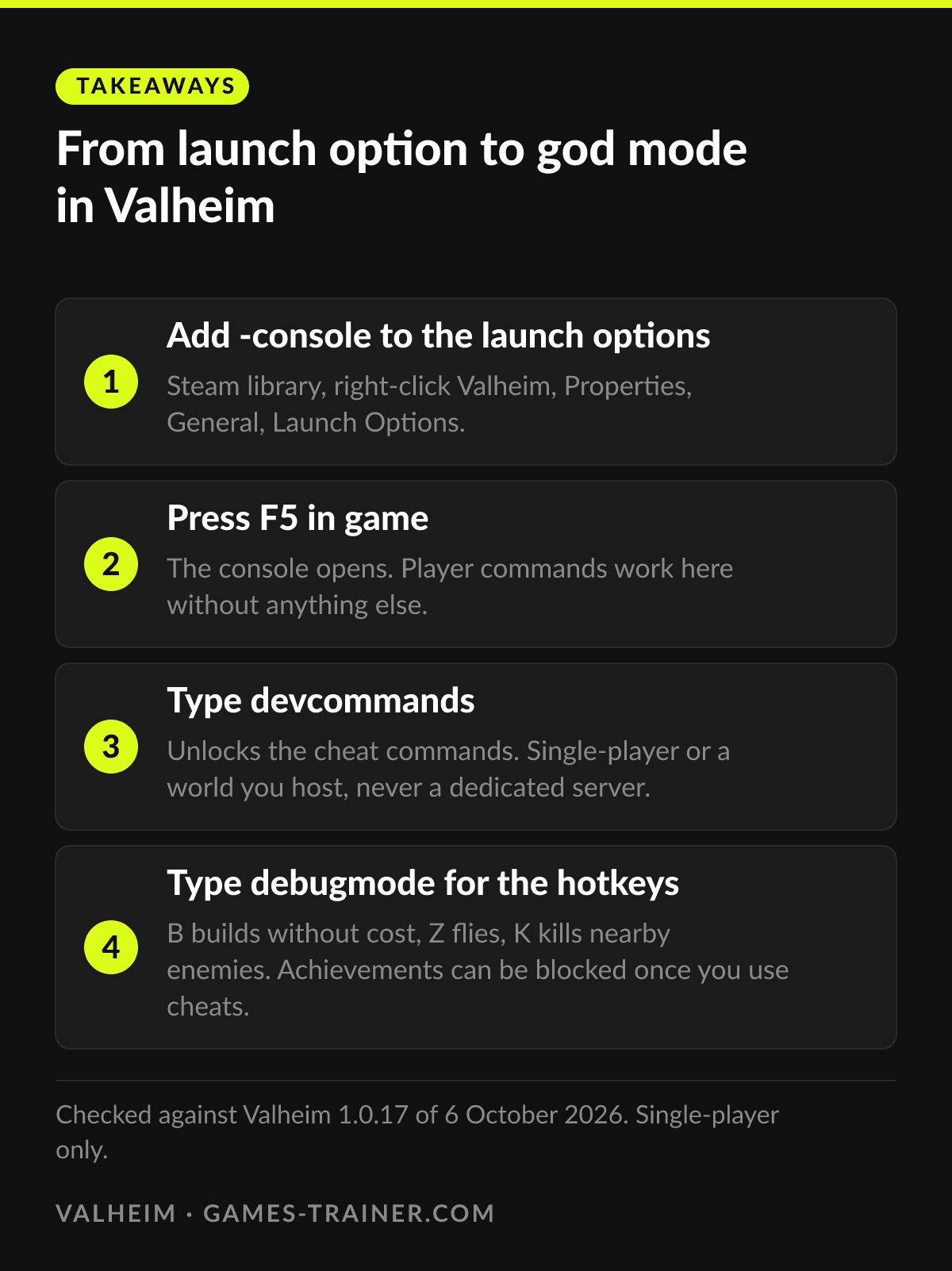 Infographic From launch option to god mode in Valheim Click to enlarge
 How do you enable the console in Valheim?
In the Steam library, right-click Valheim, open Properties and type -console into Launch Options on the General tab. Start the game and press F5. On PC Game Pass, add -console to a shortcut of Valheim.exe.
What does devcommands do in Valheim?
It switches the cheat commands on. Type it again to switch them off. Without it, only player commands such as help, fov and the emotes work.
Do Valheim cheats work on a dedicated server?
No. The wiki states that cheat commands are available in single-player or in a world you host from the game, and do not work on a dedicated server.
Do console commands disable achievements in Valheim?
Using devcommands can block achievements since version 1.0. Hotfix 1.0.12 of 11 September 2026 added a devcommand that opts a character back in, first on Steam.
How do you spawn items in Valheim?
With devcommands on, type spawn followed by the item or creature name, then an optional amount and level, for example spawn Wood 50. Since 1.0, items spawned this way show as cheated item in the inventory.