
Cities: Skylines II Cheats on PC
The cheats in Cities: Skylines II are map options: Unlimited Money, Unlock All and Unlock all map tiles. Paradox's own patch notes recommend switching on Unlimited Money in a running save if the budget collapses, so you do not need a new city. The price is achievements, which these options switch off for that save.
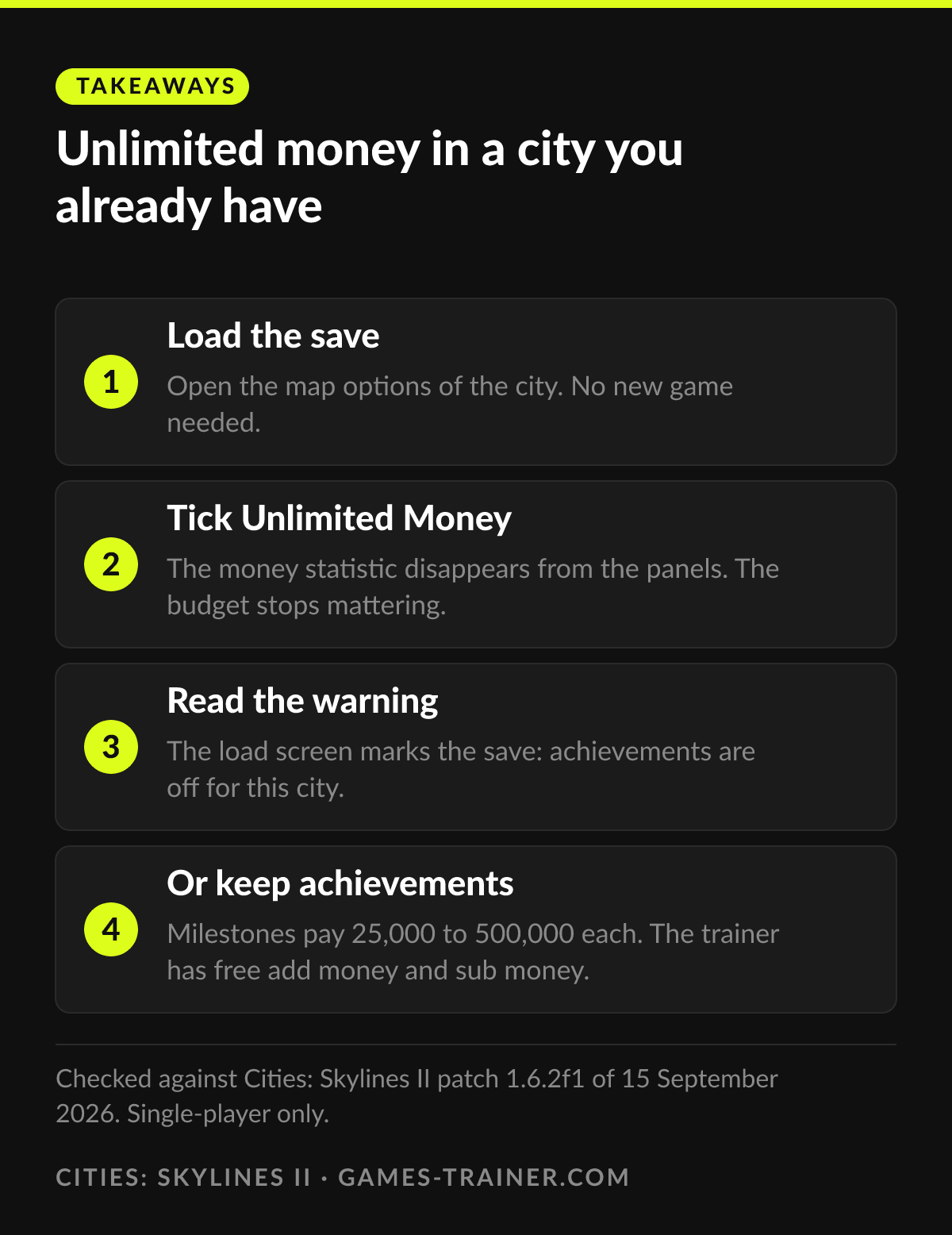
Takeaways Unlimited money in a city you already have
- 1 Load the save Open the map options of the city. No new game needed.
- 2 Tick Unlimited Money The money statistic disappears from the panels. The budget stops mattering.
- 3 Read the warning The load screen marks the save: achievements are off for this city.
- 4 Or keep achievements Milestones pay 25,000 to 500,000 each. The trainer has free add money and sub money.
Three map options are the whole cheat menu
Cities: Skylines II keeps its cheats in the map options and calls them that only indirectly. Unlimited Money takes the budget out of the game. Unlock All removes the milestone requirements, so the city does not have to grow to reach a building. Unlock all map tiles, added in patch 1.1.5f1 in June 2024, opens the whole map and, according to the 1.1.5f1 notes, also removes the upkeep cost of tiles.
Many guides say these options can only be set when you start a new city. Paradox says otherwise. When the economy patch of June 2024 made budgets much tighter, the developers published a Save Game Checklist and recommended, for anyone who wanted to keep playing the same save, to enable Unlimited Money in that save’s map options. In the same post, Unlock all map tiles is described for a new map.
The price is achievements, and the game tells you so
All three options switch off achievements for the city they are used in. Since patch 1.1.0f1 of March 2024, the load game panel shows a warning banner on saves where Unlimited Money or Unlock All was selected. Paradox has called these game options that disable achievements a not very elegant solution for players who want creative freedom and some challenge at the same time, and said in September 2024 that it was looking at better ways. None of the patch notes on Steam since then, up to 1.6.2f1 of 15 September 2026, announces a change.
So the decision is per city. A sandbox city for building a skyline can take all three. A city you want achievements from takes none.
Developer mode is not a cheat menu, and Paradox says so
There is no console in Cities: Skylines II. There is a developer mode. Add --developerMode to the launch options in Steam, under Properties and General, and press Tab in the game to open its panel. Paradox describes this route in its own troubleshooting post, where it uses the panel to wipe cloud data, and it adds a warning: a second flag, --qaDeveloperMode, exposes dangerous operations and should be removed afterwards.
Players use developer mode for money and unlocks, but it was built for testing. In a dev diary from September 2024, Paradox wrote about placing props through developer mode that it is not a feature intended for everyday use and can break things. If you try it, try it on a copy of the save.
What a city earns without any of this
The honest alternative is the milestone ladder. The wiki’s milestone table lists 20 milestones from Tiny Village to Megalopolis, each paying a lump of money, expansion permits and development points:
| Milestone | Money | Development points (total) |
|---|---|---|
| 1, Tiny Village | 25,000 | 3 |
| 5, Tiny Town | 125,000 | 25 |
| 10, Small City | 250,000 | 79 |
| 15, Metropolis | 375,000 | 202 |
| 20, Megalopolis | 500,000 | 432 |
By the twentieth milestone the city has 432 development points, which the wiki says is enough to unlock the entire development tree. The money rewards were much higher before 1.1.5f1, and the wiki marks parts of the page as checked only for that version.
Where the trainer fits
The Cities: Skylines II trainer is small: five cheats. Two of them are free, add money and sub money. The premium three are unlock all population milestones, add XP and add development points.
The difference to Unlimited Money is the budget. The map option makes money irrelevant, the trainer adds a sum and leaves taxes, upkeep and loans running as before. A city that needs one push through a bad winter gets the push and keeps its economy. Sub money is the odd one out and the most useful for testing: take money away and see whether the city’s income holds.
Unlock all population milestones and add development points cover similar ground to Unlock All, without touching the map options. Development points come in the portions you choose, which keeps the development tree a set of decisions rather than a list that is already complete.
 Infographic Unlimited money in a city you already have Click to enlarge
How do you turn on unlimited money in Cities: Skylines 2?
Tick Unlimited Money in the map options. Paradox's own Save Game Checklist from June 2024 recommends enabling it in a save's map options, so it works for a running city as well as a new one.
Do cheats disable achievements in Cities: Skylines 2?
The map options do. Unlimited Money, Unlock All and Unlock all map tiles disable achievements for that save, and since patch 1.1.0f1 the load game panel shows a warning when one of them is on.
Does Cities: Skylines 2 have console commands?
No console, but a developer mode. Add --developerMode to the launch options in Steam and press Tab in game to open the developer panel. Paradox says it is not meant for everyday use and can break things.
What does Unlock all map tiles do?
It opens every tile of the map from the start. According to the patch notes of 1.1.5f1, it also removes the upkeep cost of tiles and disables achievements.
How much money do milestones give in Cities: Skylines 2?
From 25,000 for the first milestone up to 500,000 for Megalopolis, the twentieth, according to the Cities: Skylines II wiki.