
Farming Simulator 25 Money Cheat on PC
Farming Simulator 25 has a developer console, and it has a money command. Both are switched off until you edit one line in game.xml and add one launch option, and the launch option is the price: achievements stop while it is on. The command is gsMoneyAdd. Everything else people call a money cheat is the save file or a trainer.
Takeaways The Farming Simulator 25 money command in four steps
- 1 Open game.xml Documents, My Games, FarmingSimulator2025, game.xml. Near the bottom, change <controls>false</controls> to true.
- 2 Add the launch option Steam library, right-click the game, Properties, Launch Options: -cheats. Without it, gsMoneyAdd is not available.
- 3 Open the console in game Tilde once shows the log. Tilde again lets you type. A popup completes commands as you go.
- 4 Type the command gsMoneyAdd followed by the amount. It lands in the wallet of the farm you are playing.
The console is in the game, behind two switches
GIANTS ships a developer console with Farming Simulator 25, and the community thread on the GIANTS forum that catalogues its commands runs to several pages. Two switches turn it on. In game.xml, under Documents\My Games\FarmingSimulator2025, the line <controls>false</controls> becomes true, and in the Steam launch options you add -cheats. The eShop version takes the same flag on the desktop shortcut.
The first switch alone gives you a console with logs, teleport, weather, time and field-state commands. The second unlocks the group GIANTS calls cheats, and the money one is in it:
gsMoneyAdd 500000Tilde opens the console to read, tilde again to type, and a popup completes the command name as you go. The amount lands in the current farm’s wallet and shows on the next save.
The price is the launch option. While -cheats is set, achievement progress can stop. That is a design decision, not a bug, and it is the difference between this console and the one in, say, Euro Truck Simulator 2, which has no money command at all and no flag to set.
What the start actually gives you
The reason the command exists is that the game’s own money is deliberately slow. A new save picks one of three starts: New Farmer with a farm, fields, machines and a modest balance; Farm Manager with a large balance and empty land; Start from Scratch with very little of either. GIANTS describes the three in its settings guide for new saves, and the setup screen puts the figures next to them: 100,000 for the farmer, a million for the manager, 500,000 from scratch, in the currency you chose.
A million sounds like a lot until you price a combine. The economic difficulty slider on the same screen moves crop prices up or down, and that is the honest version of a money cheat: easier prices, achievements intact.
The save file, and which file
The second free route is the save folder, savegame1 to savegame20 under the same FarmingSimulator2025 directory. Two files carry a money figure, and people edit the wrong one. careerSavegame.xml holds the balance the main menu displays. farms.xml holds the wallet the game actually uses. Change the value in farms.xml with the game closed, load the save, and save once in game so the menu catches up.
It works without the launch option, so achievements survive it. It also means a text editor in a folder where a broken tag stops the save from loading. Copy the folder before you touch it.
What the trainer does instead
The Farming Simulator 25 trainer lists 20 cheats, eight of them free. Money is not in the free eight. What is free is the clock, plus and minus one hour, and six switches for walk and run speed, which is the walk from the shed to the far field with the sun going down.
Add money and Sub money are premium, the same pair as the console command in both directions, without the flag, the file edit or the console. Next to them sits one cheat that says what really ends a session in this game: fuel and other tanks kept at 500 litres minimum. Then game speed, five times or a step in either direction, for the crop that takes three in-game days to come up.
The rest is movement: jump height, gravity, walk and run, eleven of the twenty in all. That is a lot of cheats about the farmer’s body for a game about tractors, and it is because the farmer on foot is the slowest vehicle on the map.
Console, file or trainer
The console if you want the money once and do not mind the achievement pause. It is in the game and it is free.
The save file if you want the achievements and can handle a text editor. Edit farms.xml, not the other one.
The trainer if you want the money and the fuel and the clock without a flag, a file or a console, and want to switch it all off before the harvest you are proud of. It changes values in memory on your own PC, in single-player.
The field still takes as long as a field takes. The trainer only decides whether the sun sets in the middle of it.
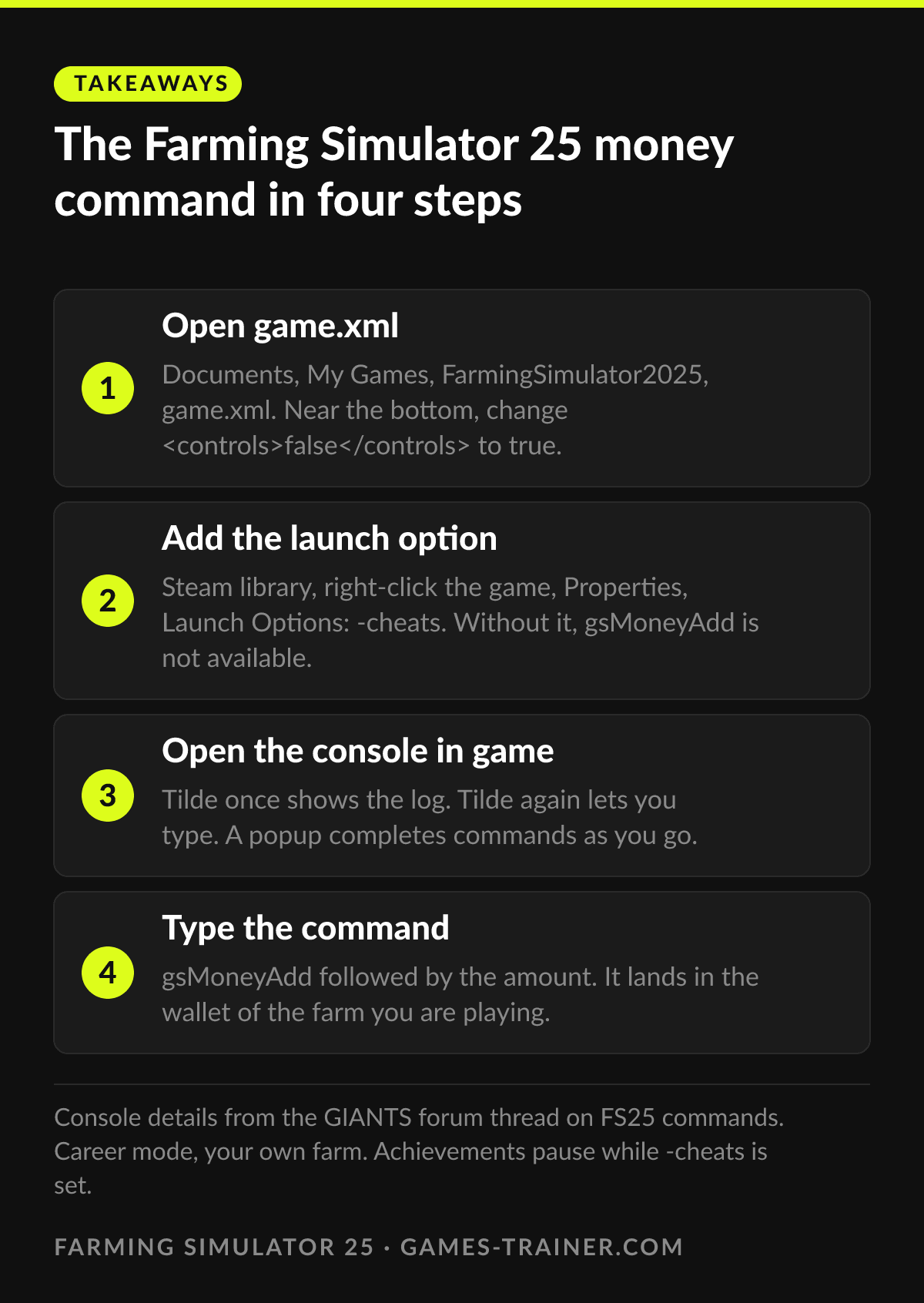 Infographic The Farming Simulator 25 money command in four steps Click to enlarge
 What is the money cheat in Farming Simulator 25?
gsMoneyAdd followed by an amount, typed into the developer console. The console needs development controls set to true in game.xml and -cheats in the launch options, or the command does not exist.
Does the Farming Simulator 25 money cheat disable achievements?
Running with -cheats can block achievement progress while it is set. Remove the launch option again for a session where you want them to count.
How do you edit money in the Farming Simulator 25 save file?
Close the game, open farms.xml in the savegame folder under Documents, My Games, FarmingSimulator2025, and change the money value. careerSavegame.xml only shows the number in the menu. Back the folder up first.
Does the money cheat work in multiplayer?
Some console commands run on a server for a logged-in admin, and some refuse. This page is about your own farm in single-player, and that is where the trainer stays too.